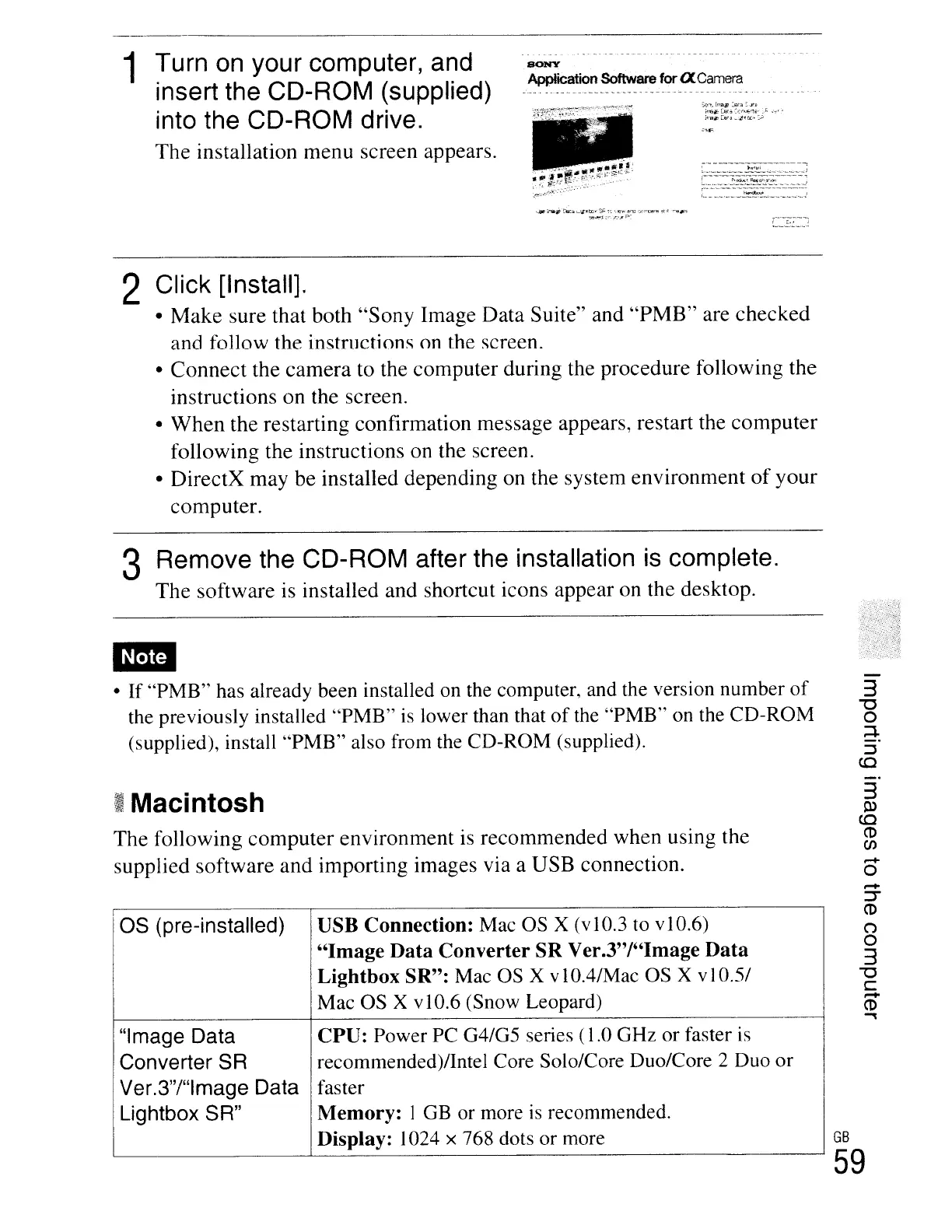
1 Turn on your computer, and
insert the CD-ROM (supplied)
into the CD-ROM drive.
The
installation menu screen appears.
Application Software
for
a Camera
::;':'-',lm1i1'~:i::;~
io-6#<L8(,:;.:.:
....
~-t~:..1:
.~"
i"l1l~(e'ii_.~·OC··'""
.-,---_._-----"--_._.,--
~
l..,_,_".~,_,.~
..
~.~~.'.:.~:.::"::.,._,
..
,_,._,._;
f--··-·-·,·--·····--·-----··----·-----
L _
,_
.._
..
~,_,~.~._",._,._
..
__
..
_,._'
...)
.....
,nw~'OEIt"
c..!Jl:tD.S~
~':
~-':-'
..
aro
1))"Ul~
;::'t~a~
Sil~~rn'~;lo:
L.,_
..
~.~
.....
;
2 Click [Install].
•
Make
sure
that both
"Sony
Image
Data
Suite" and
"PMB"
are
checked
and
follow the instructions
on
the screen.
•
Connect
the
camera
to
the
computer
during the procedure following the
instructions
on
the screen.
•
When
the
restarting confirmation message appears, restart the
computer
following the instructions on the screen.
•
DirectX
may
be installed depending on the system
environment
of
your
computer.
3 Remove the CD-ROM after the installation
is
complete.
The
software
is installed and shortcut icons appear on the desktop.
• If "PMB" has already been installed on the computer, and the version number
of
the previously installed "PMB"
is
lower than that
of
the "PMB"
on
the CD-ROM
(supplied), install "PMB" also from the CD-ROM (supplied).
I;
Macintosh
The
following
computer
environment
is
recommended
when using the
supplied
software
and
importing images via a USB connection.
as (pre-installed)
USB Connection: Mac
OS
X (vI0.3 to vI0.6)
"Image
Data
Converter SR Ver.3"I"Image
Data
Lightbox SR": Mac
OS
X vI O.4/Mac OS X
vI
0.5/
Mac OS
X v10.6 (Snow Leopard)
"Image Data CPU: Power PC G4/G5 series (
1.0
GHz or faster
is
I
Converter SR recommended)/Intel Core Solo/Core Duo/Core 2 Duo or
I
Ver.3"/"lmage Data
faster
~
Lightbox SR" Memory: I
GB
or more
is
recommended.
Display: 1024 x 768 dots or more
3
l:l>
co
CD
(J)
-
o
-
::J'"
CD
(")
o
3
"'tJ
C
-
CD
.,
GB
59





 To Next Page