Changing Settings
129
Table of Contents Index
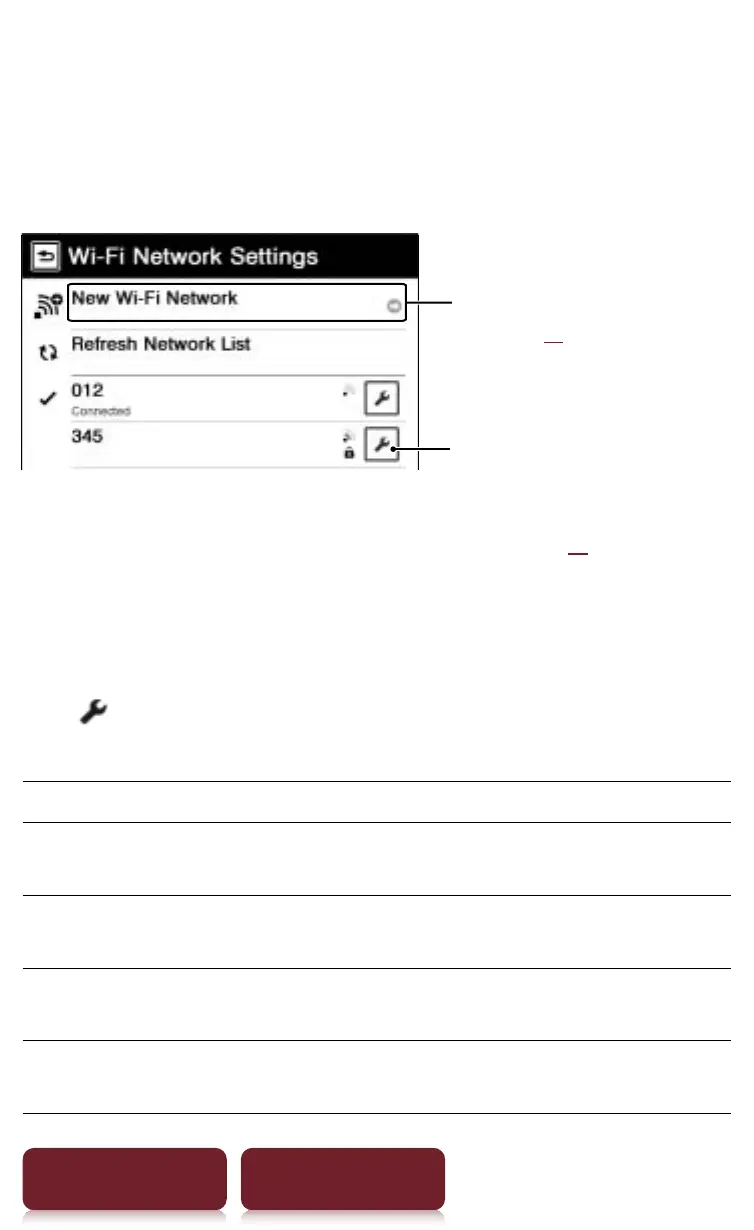
New Access Point
You can register or edit the access points displayed in a
list. The access point not displayed in the access point
list can also be registered.
Tap to display the detailed
screen of the access point to
register or edit the access point
settings (
r
xx)
Tap to register a new access
point (
r
xx)
Registering and editing the access point from the
list
Tap
of the access point you want to set.
The following items are displayed.
Item Description
[Connection
name:]
Enters the connection name using the
on-screen keyboard
p
tap [OK].
[SSID:] Enters the SSID of the access point using
the on-screen keyboard
p
tap [OK].
[Encryption] Tap the encryption method type of the
access point
p
tap [OK].
[Key:] Enters the encryption key using the on-
screen keyboard
p
tap [OK].














 To Next Page