Troubleshooting
144
Table of Contents Index
SIM card
If the following message is displayed: “Your SIM card is not
recognized. Please shut down your Reader, re-insert your SIM card
and turn your Reader back on. ”
q
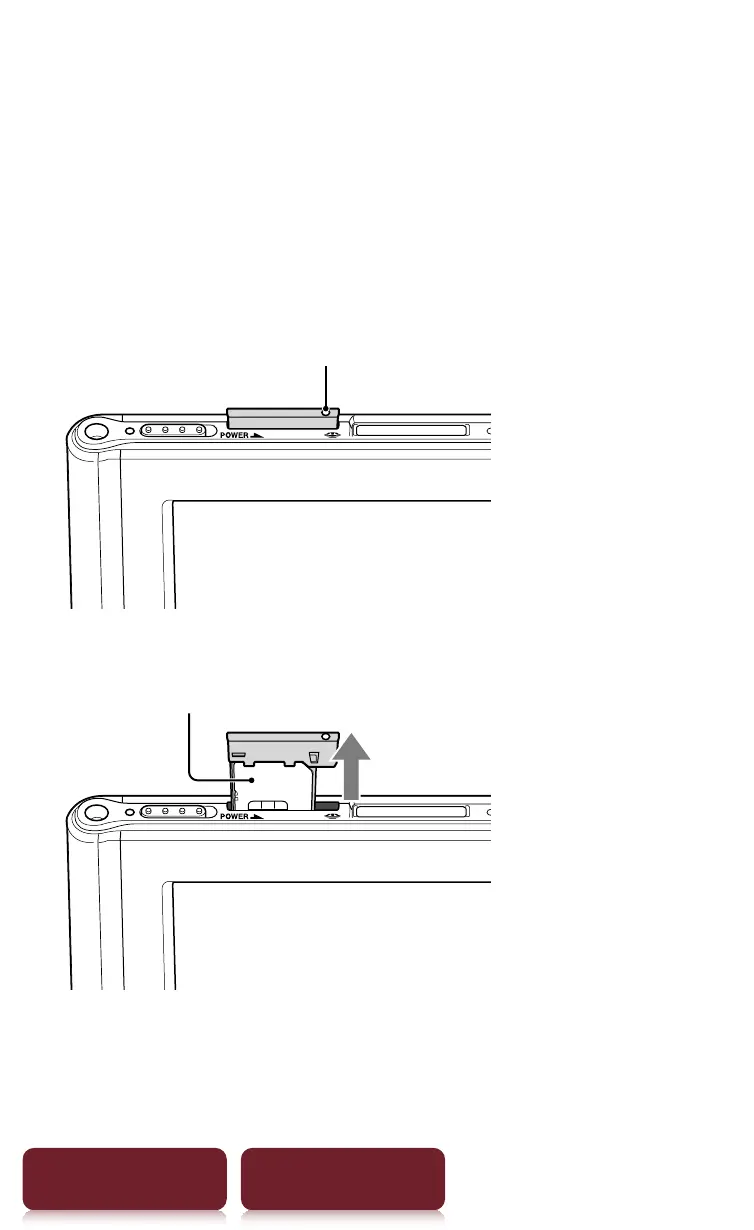
Re-insert a SIM card according to the following
procedure.
1
Press the hole of SIM card with a small pin or clip.
Hole of a SIM card
2
Pull out the SIM card from the Reader.
SIM card
3
Insert a SIM card to the Reader again.














 To Next Page