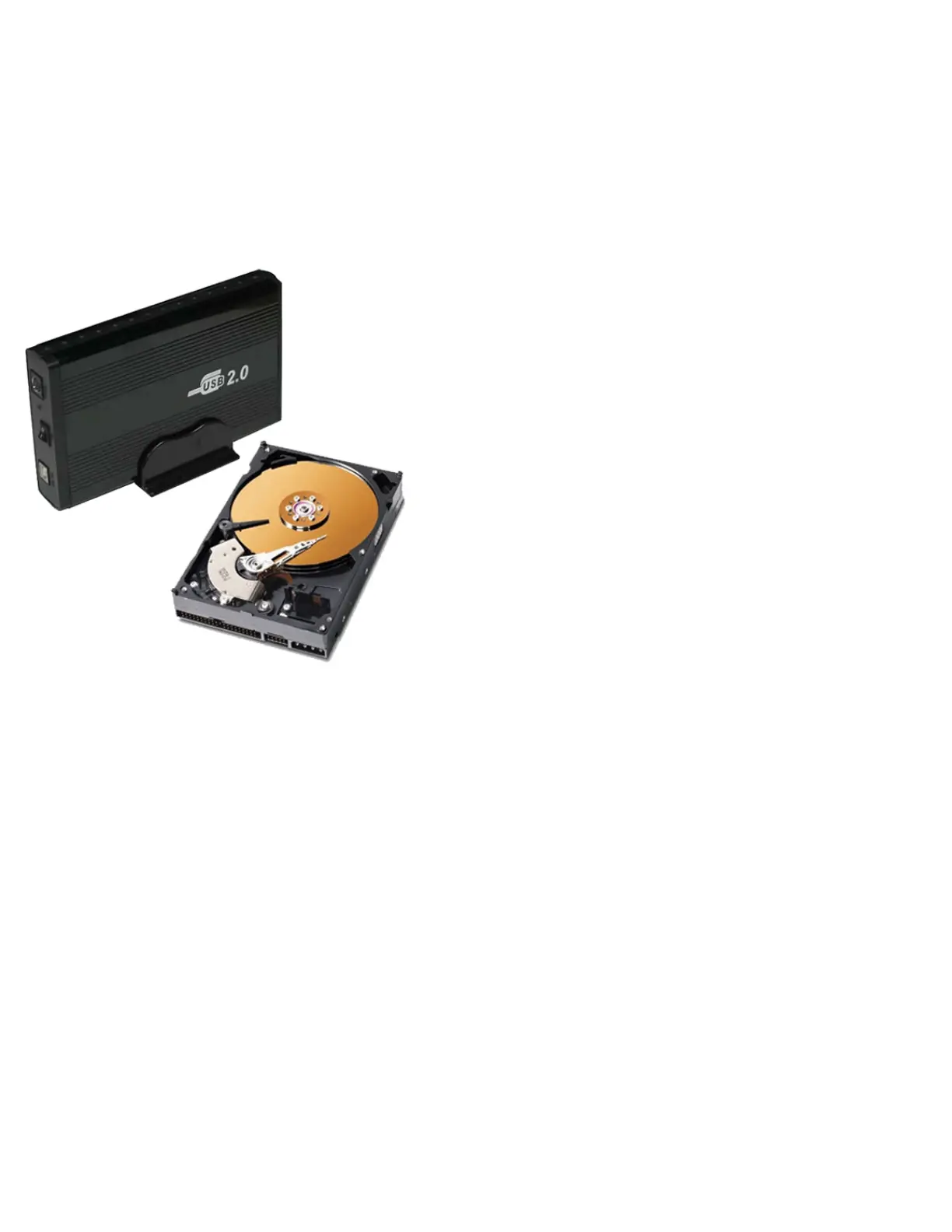
Getting your PS3 to recognize your
External Hard Drive
This tutorial will teach you how to connect your External Hard drive (HDD) to your PS3.
NOTE: Your external HDD MUST have a external power source, it cannot be DUAL USB.
NOTE: ATA (LAPTOP) 2.5" EXTERNAL HDD's will not WORK on PS3!
Making sure the HDD is FAT32
Remember, the PS3 external drive must be FAT32 formatted, usually if your buying a store packed
external HDD it already is, but if your making your own you might have to follow a few extra steps in
order to make it FAT32 and PS3 compatible.
Once your external hard drive is connected to your computer:
● Go to START
● CONTROL PANEL
● ADMINISTRATIVE TOOLS
● COMPUTER MANAGEMENT
● Select DISK MANAGER on the left hand side options.



 To Next Page