Use SIMPLEDNS To Bypass The
Firmware Check (Windows)
Here's a simple way to setup your PS3 to bypass the firmware check using a Windows machine as a
dns server, its basically the same thing as what Wii users did to use the Wii shop as a browser:
1. Download the SimpleDNS software from here
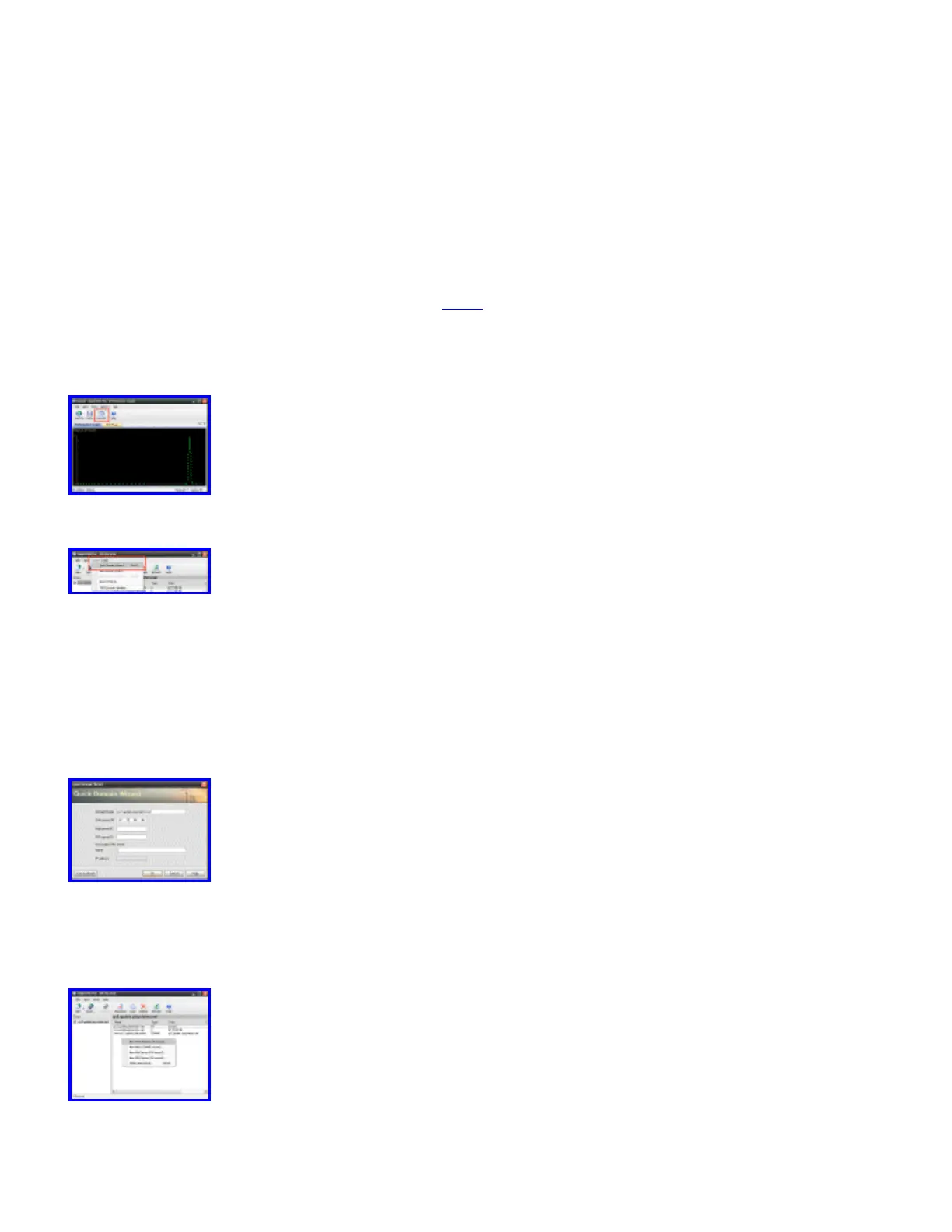
2. Run SimpleDNS (you don't have to reboot despite the installer telling you to..), click on the
Records button
3. In the records window, click on Tools > Quick Domain Wizard
4. for domain name enter: ps3.update.playstation.net
❍ for Web server IP enter 67.15.88.46
❍ delete the Secondary DNS name entry, you do not need it
5. Now that you have your new server added, you need to add A Name entries so the ps3 gets
redirected on the firmware requests, to do this simply right click and choose New Host Address
(A-Record)
6. we need to add two A-Name entries, depending on what region you are in. You can add as many
as you'd like if you want to cover your bases though



 To Next Page