Make a Lag Switch
A Magic Switch is a Switch, connected directly to your Ethernet Cord, that safely cuts your internet
connection, much like a standby button. When it is switched on, you will lag terribly which can be very
useful for doing glitches like the Super Long Jump, and for some glitches it is necessary, because even
though you lag, you will not be booted.
Materials needed:
● Ethernet cable that you're willing to rip up and maybe ruin.
● Cutting utensil to cut cable and strip wires.
● Some sort of electrical switch. (Toggle switches, light switches, most will work if the look
right.)
● Object to connect Ethernet wire to switch. (Light switches already have screws that you can
use, otherwise use screws and nuts or solder or something else.)
● Gentle fingers. (you don't want to cut any wire you're not supposed to.)
● If you want to, you can get speaker wires. (Only thick gauge speaker wires work!) or
something so you can sit far away from your system and still use the switch.
Steps:
1. Decide where to start cutting into your wire. My PS3 is on an entertainment center, so I started
cutting mine right where it touches the floor.
2. Gently cut a slit through insulation on Ethernet cable, being careful not to cut any of the inner
wires. DO NOT CUT THROUGH ENTIRE CABLE!
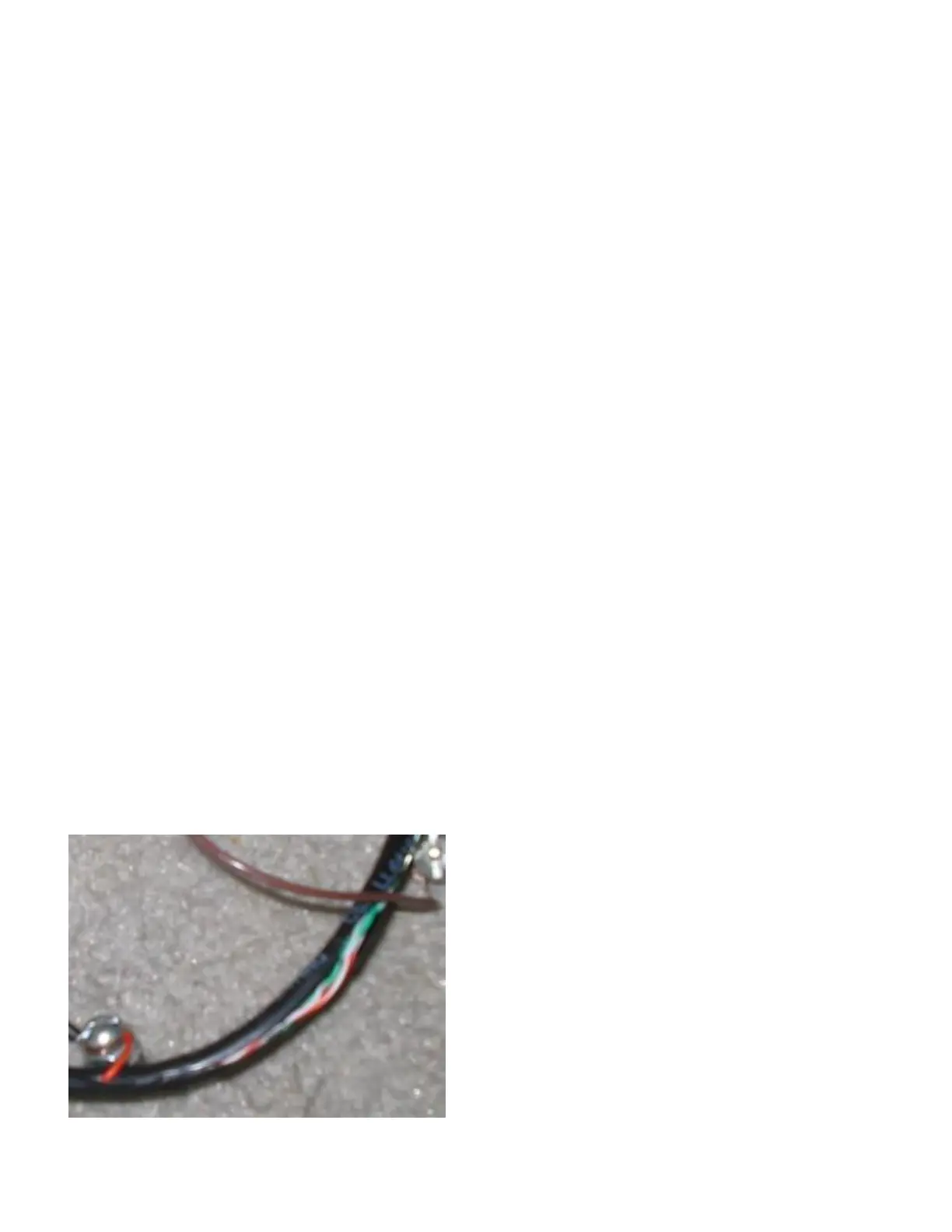
3. Cut a medium sized section out of the insulation so you can see all the pretty brightly colored
wires inside. See picture:
4. Find the SOLID ORANGE (not the striped!) wire and cut it. It should be wrapped around
another wire, but DO NOT cut the other one. Cut only the solid orange wire, not any others!



 To Next Page