You will need:
● Torx screwdriver
● Phillips head screw driver
● Small flathead screw driver (for removing the rubber foot)
● Somewhere with plenty of space that is well lit and that wont build up static electricity. (Mainly
anywhere but carpet)
Accessing the BluRay Drive:
Removing Cover
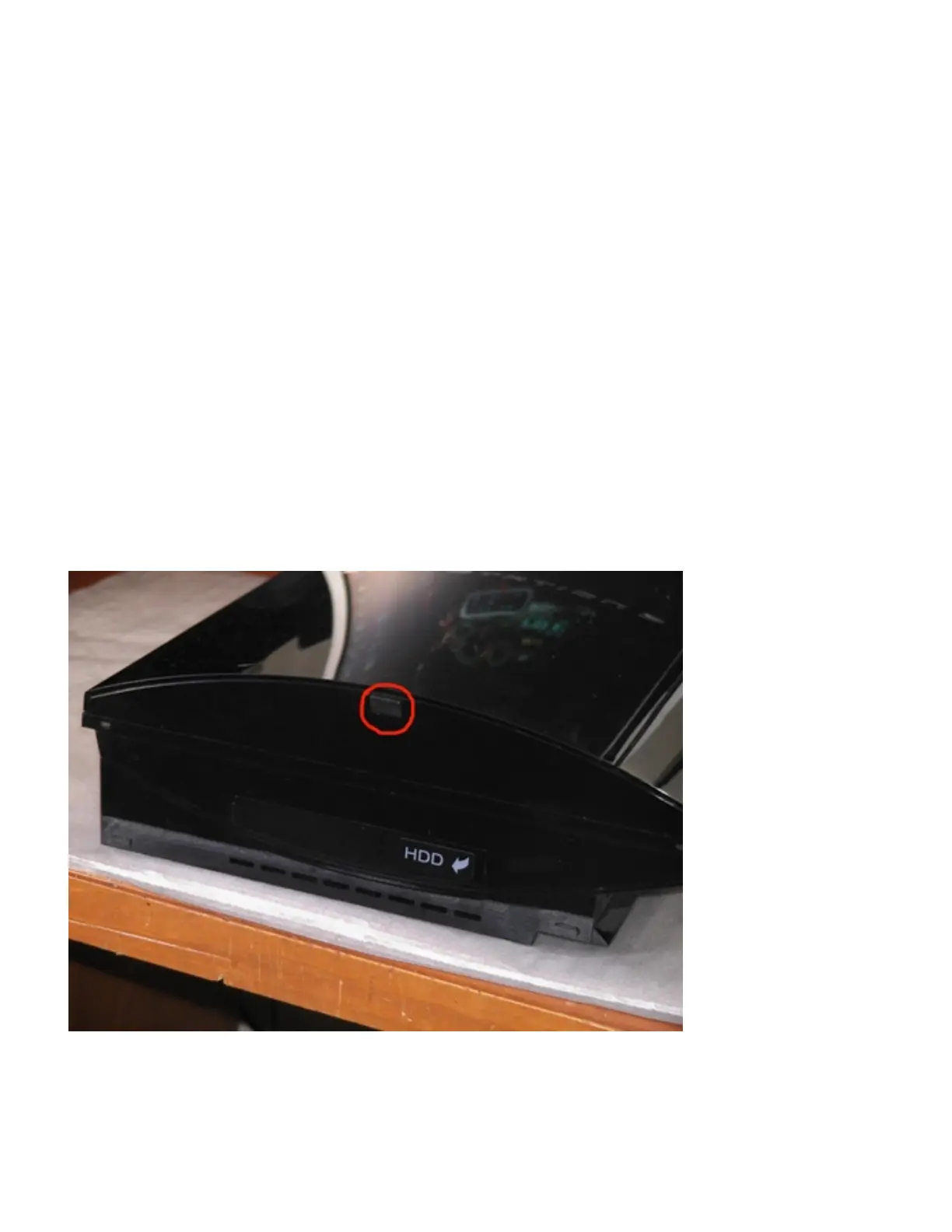
1. Turn the console to the left so that the rubber foot that is circled in red in the picture below can
been seen. Use a small flathead screw driver to remove the rubber foot off. Now that the foot is
removed used the Torx screwdriver to unscrew the screw.
2. Once the Screw has been removed it should look like the picture below.



 To Next Page