PS3 HDD Replacement Mini-Guide
We here at GR, never content to leave well enough alone, have replaced our puny Playstation 3 HDD
with a monster 120 GB HDD. We also wrote this mini-guide on just how to do it for those of you who
may be a tad afraid to try it.
You will need:
1 NOTEBOOK 2.5MM HDD SATA ANY SIZE (We recommend staying with the same RPM as
the PS3’s original HDD, 5400RPM. You can upgrade to 7200RPM, of course, but we cannot
promise that it will not have ill-effects on your machine.)
1 MINI PHILLIPS HEAD SCREWDRIVER
1 MINI FLATHEAD SCREWDRIVER
1 SOLID PLACE TO WORK
We cannot stress enough the importance of buying the correct HDD. The one we used cost $93 USD at
Newegg. If you get a regular old IDE Notebook drive, you will be out of luck, so make sure you order
the right part.
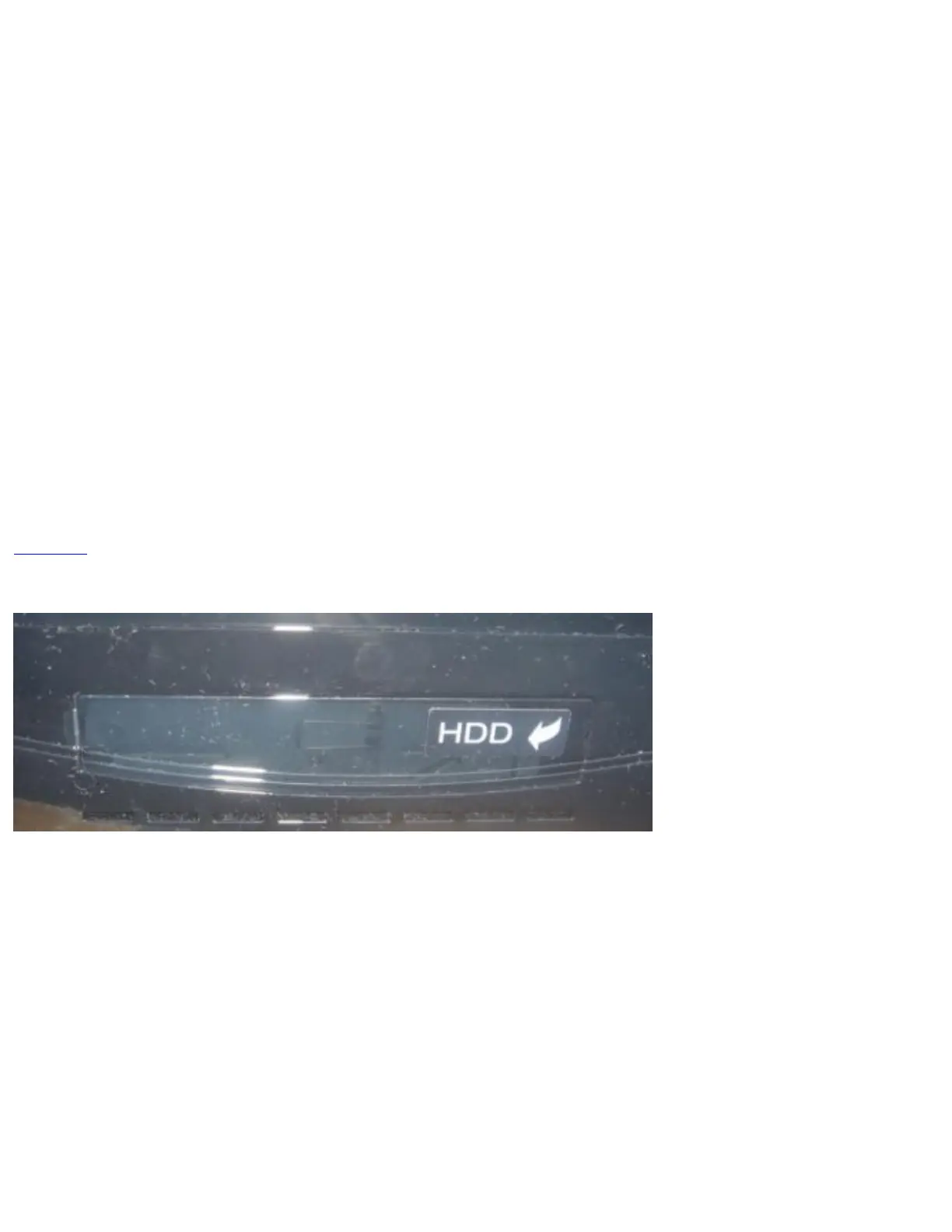
The first step is to find the HDD Bay on your Playstation 3. It is located on the left side of the console,
and it is marked with HDD. Easy enough. Use your flat head screwdriver to pop off the plastic cover.
You now have access to the actual HDD caddy.



 To Next Page