How to change from 'NAT type 3' to 'NAT
type 2'
If you have NAT3 connection on your PS3, sooner or later you are bound to notice problems when
playing current and future PS3 games and features. The most common as of now is WarHawk. This
guide will walk you through how to change your NAT type 3 to NAT 2 (Don't worry if your lost
there is a glossary down below to tell you exactly what everything is!) so you can eliminate this
discrepancy.
Before we begin, I would like to let you know there is more than one method to do this. One way is to
enable DMZ for PS3 (some routers support this!) and/or disable UPnP You can also follow the
tutorial below if all else fails!
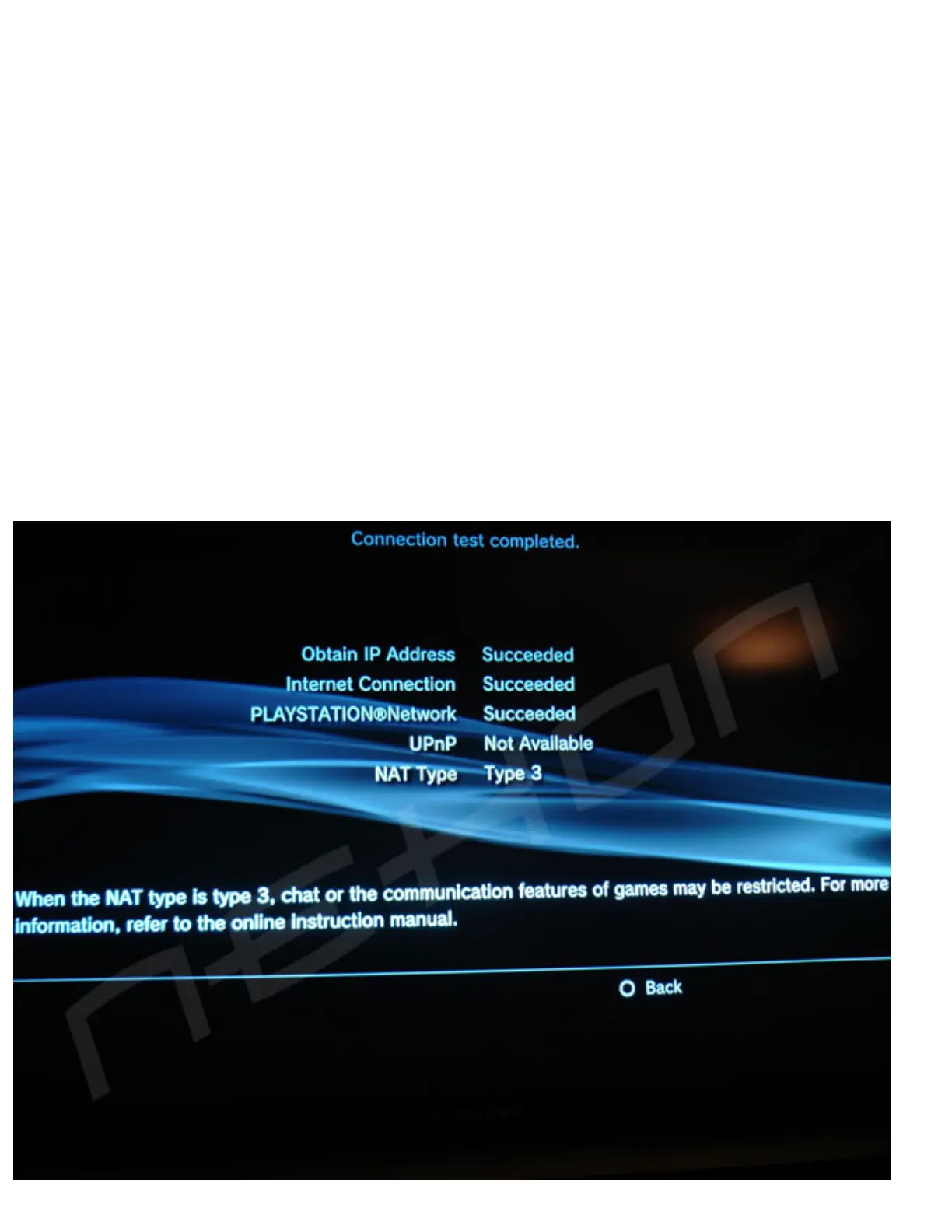
If you have NAT3 this is what you should see:



 To Next Page