In most cases you will have to assign your PS3 a static IP address. I can't tell you step by step how to
do it to your router but hopefully now that you know what it's called you can find your way. You'll
need to know your PS3s MAC address to assign a static IP. To find your MAC address simply go to:
Settings > System Settings > System Information
You should now see your MAC address, I suggest you write it down.
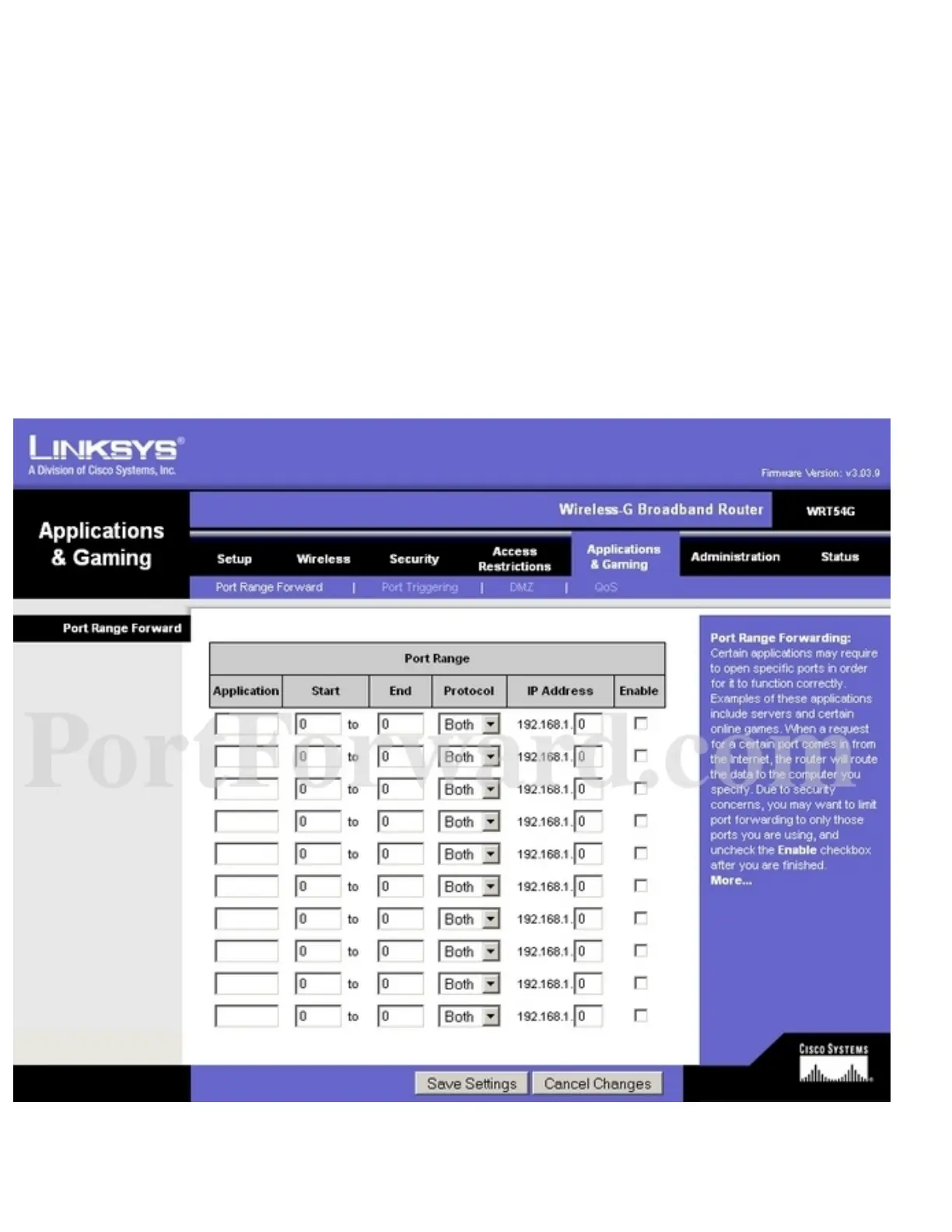
Once your PS3 has an static IP address you need to open up a few ports. In my situation I simply went
to:
Applications & Gaming > Port Range Forward
This is basically what I see..
Ultimately you need to open ports:



 To Next Page