101
GB
Utilizing Your Computer
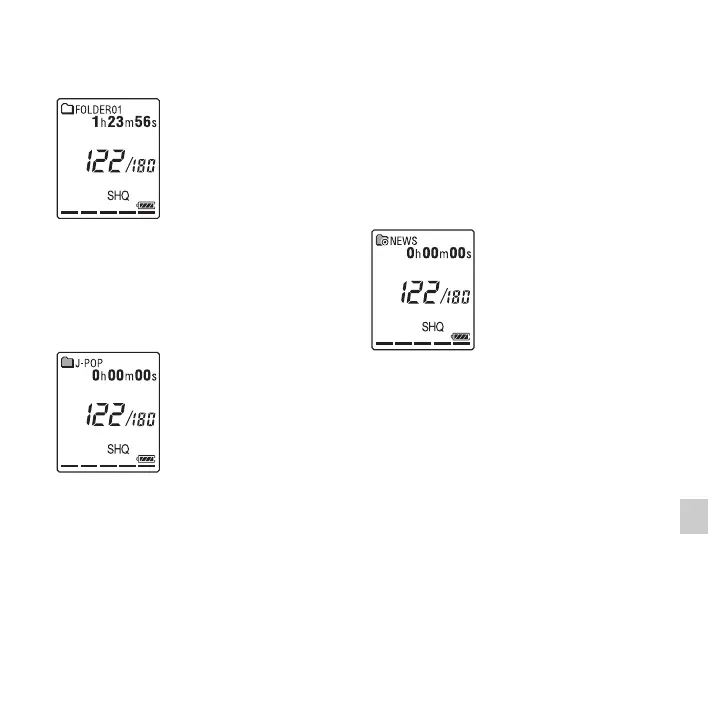
Display of a file recorded with the
IC recorder
Folders for files recorded using the IC
recorder (folders under the VOICE folder)
will be displayed.
Display of an MP3 file transferred
from the computer
The following folders will be displayed
among the folders forwarded from a
computer.
• Folders under the MUSIC folder which
contains a file (when some folders have
multiple levels, all folders will be
displayed in parallel.)
• Folders transferred to places other than
under the MUSIC folder or the
PODCASTS folder
• A folder called “No Folder” (If you
transfer MP3 files separately, those files
will be displayed under this folder.)
Display of a podcast file
transferred from the computer
Folders for podcast files transferred from a
computer will be displayed.
When you transfer podcast files from your
computer to the IC recorder, use the
supplied Sound Organizer software.
Disconnecting the IC
recorder from your
computer
Follow the procedures below; otherwise,
data may be damaged.



 To Next Page