16
GB
Step 5: Setting the Language to Be Used in
the Display Window
You can select the language to be used for
messages, menus, etc. from 3 languages.
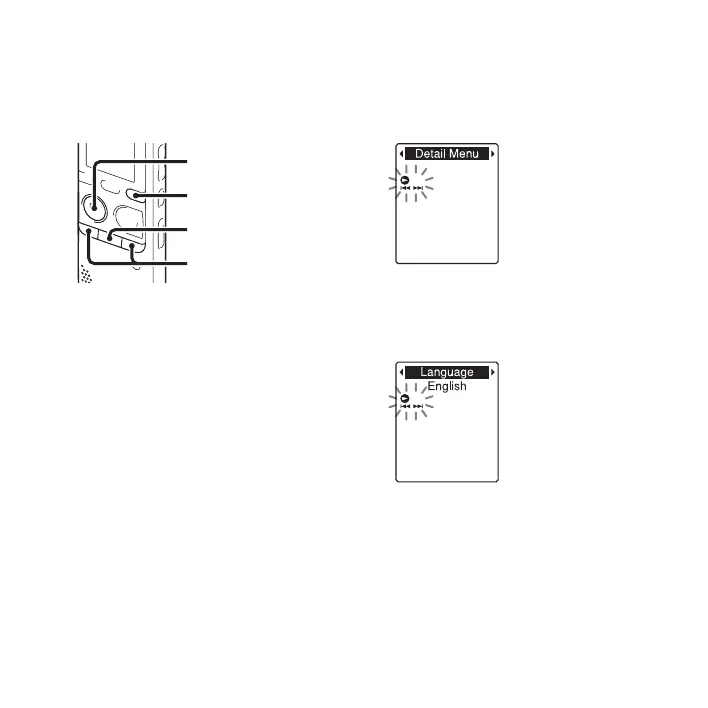
1 Press and hold DISP/MENU to enter the
menu mode.
The menu mode window will be
displayed.
2 Press –. or >+ to select “Detail
Menu,” and then press
N PLAY/
STOP•ENTER.
3 Press –. or >+ to select
“Language,” and then press
N PLAY/
STOP•ENTER.
4 Press –. or >+ to select the
language that you want to use, and then
press
N PLAY/STOP•ENTER.
x
N
PLAY/
STOP•ENTER
–., >+
DISP/MENU



 To Next Page