18
GB
Basic Operations
Recording
P Notes
• Before making a recording, be sure to check the battery indicator (page 12).
• Noise may be recorded if an object, such as your finger, etc., accidentally rubs or scratches the IC
recorder during recording.
z
Tip
Before you start recording, we recommend you make a trial recording first, or monitor the
recording (page 47).
Starting to record
1 Slide the HOLD•POWER ON/OFF switch towards the
center to release the IC recorder from the HOLD status
(page 10).
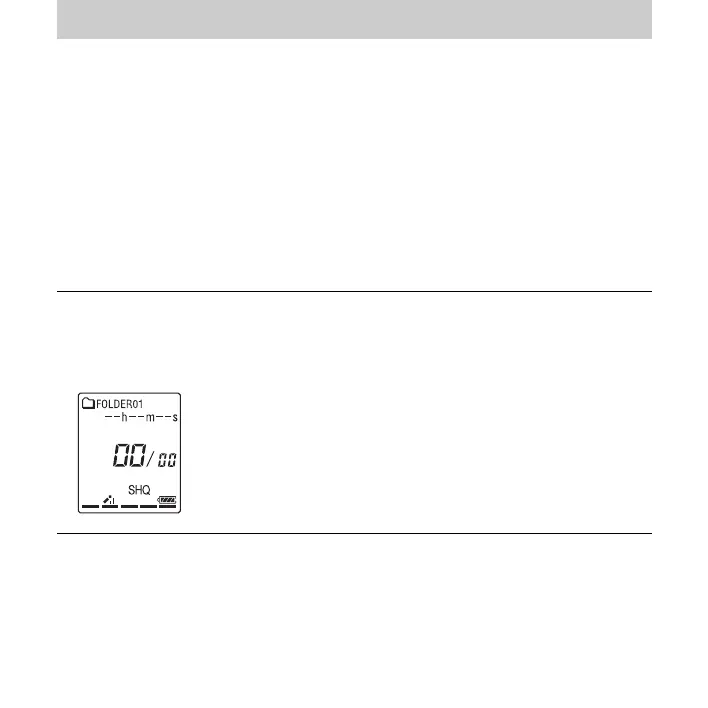
The stop mode window appears.
2 Select the folder in which you want to record files
(page 24).



 To Next Page