73
GB
Listening to the FM Radio
Listening to the FM Radio (for ICD-PX312F only)
Tuning in an FM Radio Station
Tuning in a radio station by
scanning frequencies
The headphone cord of the headphones is
an FM antenna, therefore, connect the
headphones to the i (headphone) jack
when listening to the FM radio.
P Note
During FM reception, the DPC function and
noise cut function do not work.
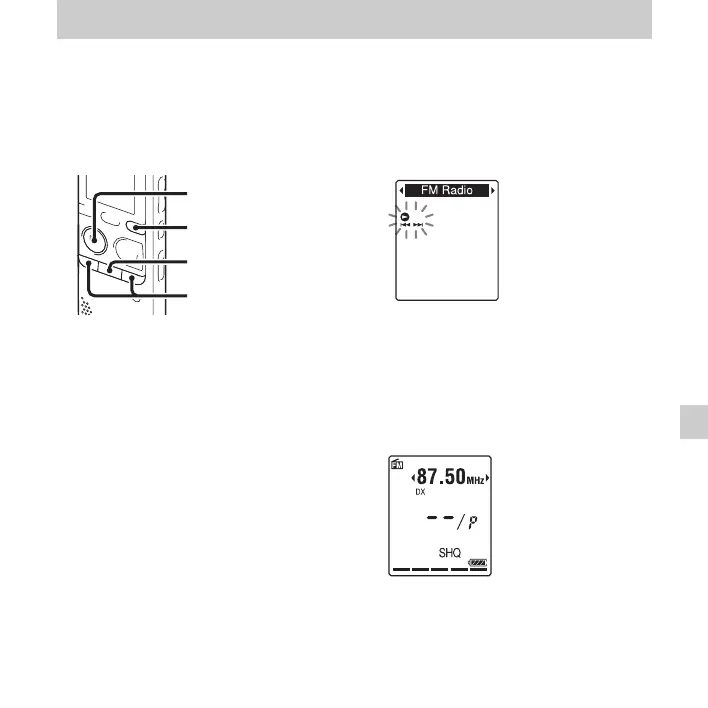
1 Press and hold DISP/MENU in the stop
mode to enter the menu mode.
The menu mode window will be
displayed.
2 Press –. or >+ to select “FM
Radio,” and then press
N PLAY/
STOP•ENTER.
The IC recorder enters the FM radio
mode.
3 Press DISP/MENU briefly to move the
cursors (
b, B) to both sides of the
frequency display on the upper line in the
display window.
The IC recorder is now ready for tuning
in a station by scanning frequencies.
x
N
PLAY/
STOP•ENTER
–., >+
DISP/MENU
Listening to the FM Radio



 To Next Page