79
GB
Listening to the FM Radio
Changing the FM Radio Reception Settings
Switching the receiver
sensitivity of the FM radio
You can set the receiver sensitivity when
listening to the FM radio.
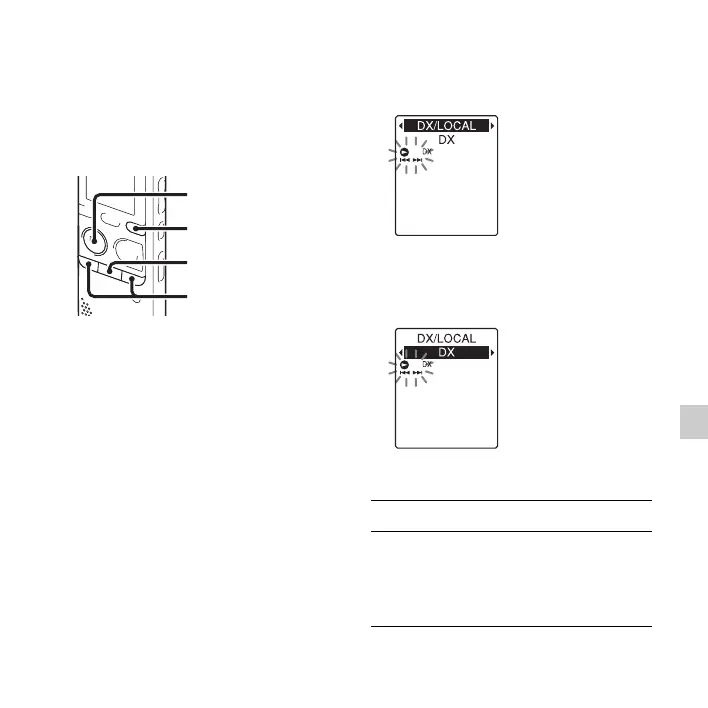
1 Press and hold DISP/MENU during FM
reception to enter the menu mode.
The menu mode window will be
displayed.
2 Press –. or >+ to select “DX/
LOCAL,” and then press
N PLAY/
STOP•ENTER.
3 Press –. or >+ to select “DX” or
“LOCAL,” and then press
N PLAY/
STOP•ENTER.
4 Press x (stop) to exit the menu mode.
x
N
PLAY/
STOP•ENTER
–., >+
DISP/MENU
DX Normally, select this setting.
LOCAL When there is interference or
collapsing caused by a intense
electric field around the transmitting
antenna of the broadcasting station,
etc., select this setting.



 To Next Page