59
GB
Editing Files
Editing Files
Arranging Files in a Folder
Moving a file to a different
folder
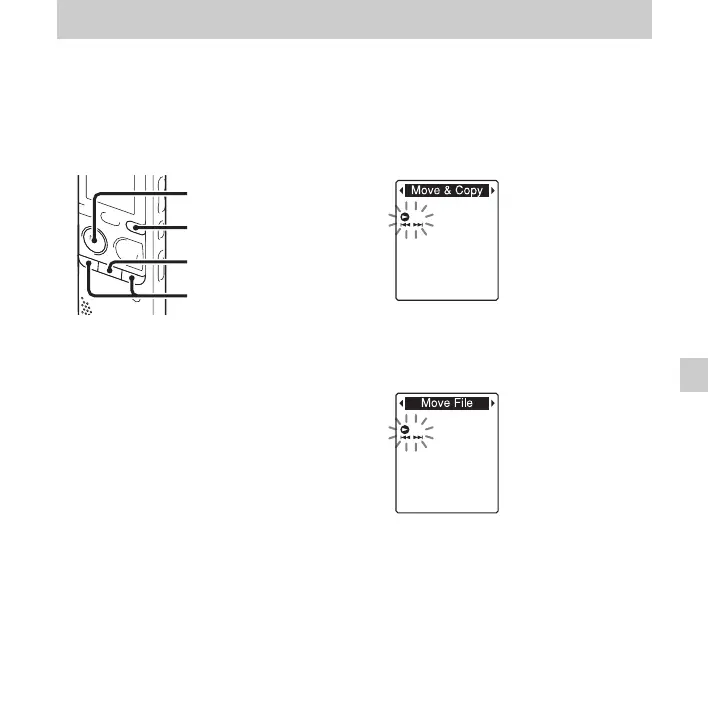
1 Select the file you want to move.
2 Press and hold DISP/MENU in the stop
mode to enter the menu mode.
The menu mode window will be
displayed.
3 Press –. or >+ to select “Move &
Copy,” and then press
N PLAY/
STOP•ENTER.
4 Press –. or >+ to select “Move
File,” and then press
N PLAY/
STOP•ENTER.
x
N
PLAY/
STOP•ENTER
–., >+
DISP/MENU



 To Next Page