23
GB
Basic Operations
Listening
Starting playback
1 Slide the HOLD•POWER ON/OFF switch towards the
center to release the IC recorder from the HOLD status
(page 10).
The stop mode window appears.
2 Select the file you want to play (page 24).
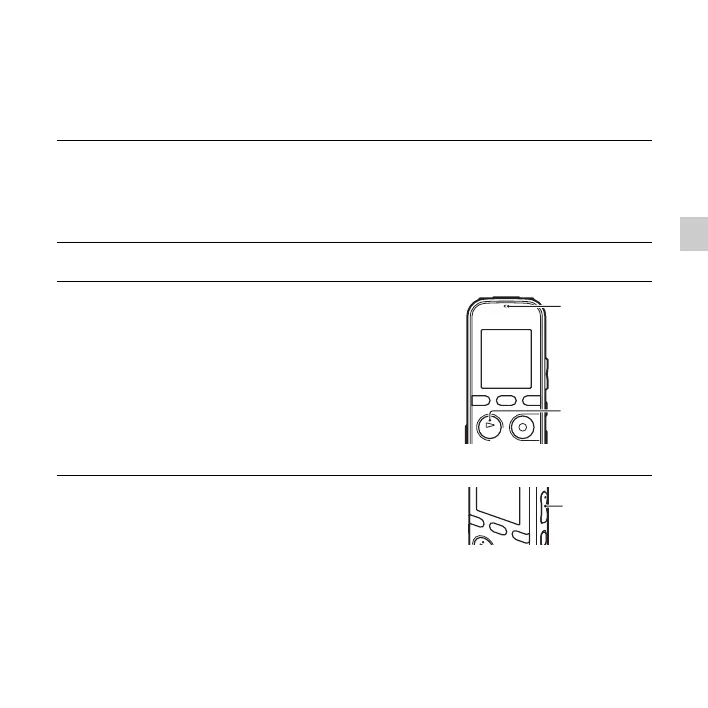
3 Press N PLAY/STOP•ENTER.
Playback will start soon, and the operation indicator
will light in green. (When “LED” is set to “OFF” in the
menu (page 93), the indicator does not light.)
4 Press VOL –/+ to adjust the volume.
N
PLAY/
STOP•ENTER
Operation
indicator
VOL –/+



 To Next Page