80
GB
“DX/LOCAL” is set to “DX” when you
purchase the IC recorder.
P Note
Select “DX” when the IC recorder reception
status is not good due to a weak signal.
Switching the scanning
sensitivity
You can set the scanning sensitivity when
presetting FM radio stations.
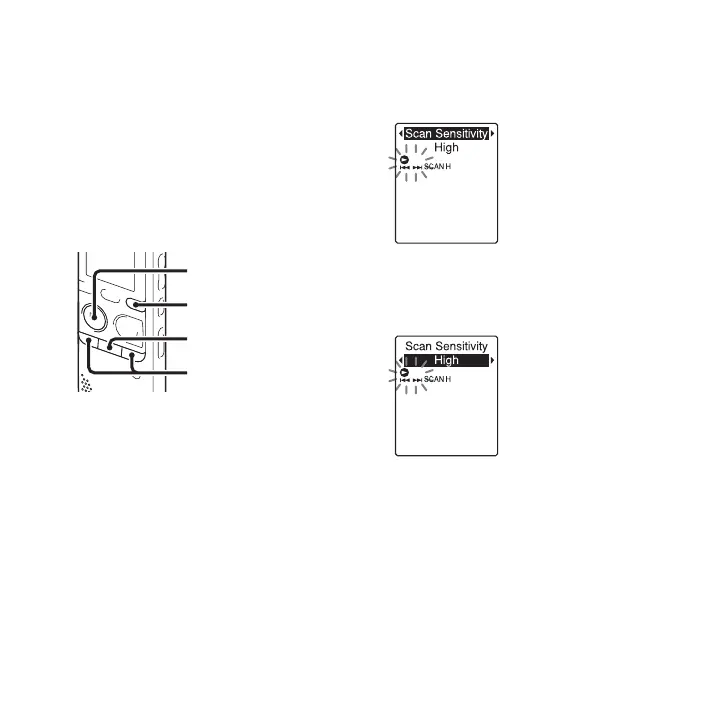
1 Press and hold DISP/MENU during FM
reception to enter the menu mode.
The menu mode window will be
displayed.
2
Press –
.
or
>
+ to select “Scan
Sensitivity,” and then press
N
PLAY/
STOP•ENTER.
3
Press –
.
or
>
+ to select “High” or
“Low,” and then press
N
PLAY/
STOP•ENTER.
The scanning sensitivity is set to “High”
when you purchase the IC recorder.
4 Press x (stop) to exit the menu mode.
x
N
PLAY/
STOP•ENTER
–., >+
DISP/MENU



 To Next Page