74
GB
4 Press –. or >+ repeatedly to tune
in a station.
5 Press x (stop) to turn the FM radio off.
To scan radio frequencies
automatically
In step 4, press and hold –. or >+
until the frequency digits begin to change in
the display window. The IC recorder
automatically scans the radio frequencies
and stops when it finds a clear station.
If you cannot tune in a station, press –
.
or
>+ repeatedly to change the frequency
step by step.
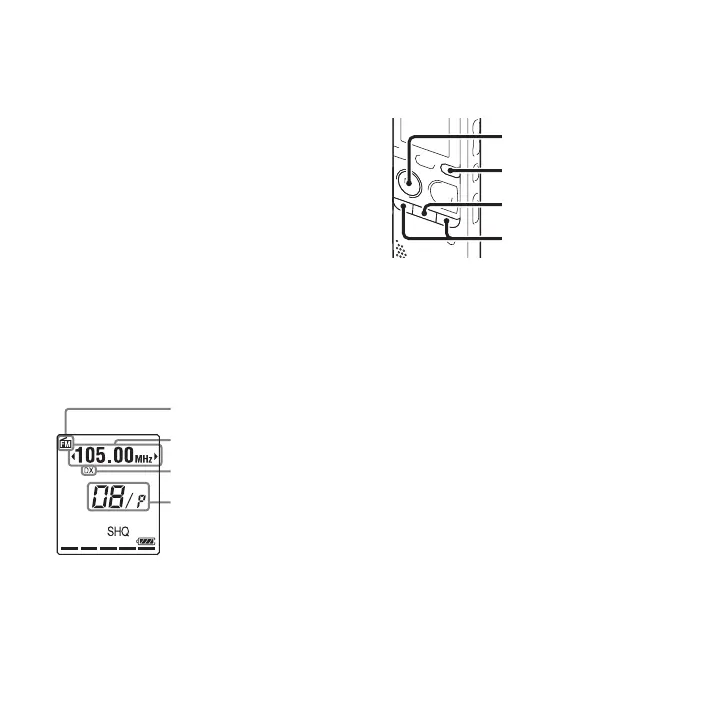
Display when listening to the FM
radio
Tuning in a preset radio
station
When you have already preset FM radio
stations (page 76), you can tune in a station
by selecting a preset number.
1 Press and hold DISP/MENU in the stop
mode to enter the menu mode.
The menu mode window will be
displayed.
FM indicator
Radio frequency
Preset number
Receiver sensitivity
x
N
PLAY/
STOP•ENTER
–., >+
DISP/MENU



 To Next Page