81
GB
Listening to the FM Radio
Switching the FM radio
output between speaker and
headphones
During FM reception or FM recording, you
can switch between the sound from the
speaker and the sound from the headphones
using the menu.
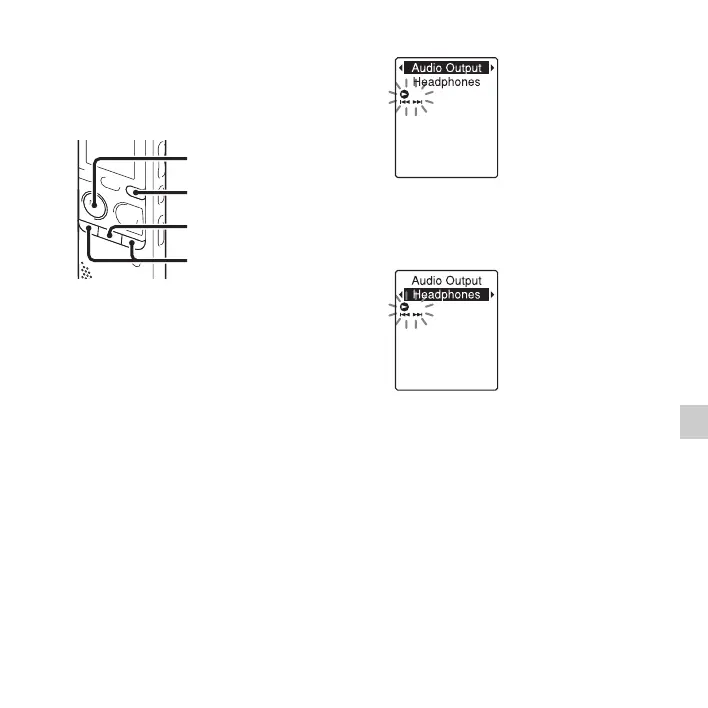
1 Press and hold DISP/MENU during FM
reception to enter the menu mode.
The menu mode window will be
displayed.
2 Press –. or >+ to select “Audio
Output,” and then press
N PLAY/
STOP•ENTER.
3 Press –. or >+ to select
“Headphones” or “Speaker,” and then
press
N PLAY/STOP•ENTER.
The FM radio output is set to
“Headphones” when you purchase the IC
recorder.
4 Press x (stop) to exit the menu mode.
x
N
PLAY/
STOP•ENTER
–., >+
DISP/MENU



 To Next Page