77
GB
Listening to the FM Radio
Presetting FM radio stations
manually
You can store an unregistered FM radio
station on a preset number. You can preset
up to 30 FM radio stations.
1 Follow steps 1 through 4 of “Tuning in a
radio station by scanning frequencies” on
page 73 and tune in the station you want
to preset. When the station is not a preset
station, “ - -/P” is displayed. You can
register it with a new preset number.
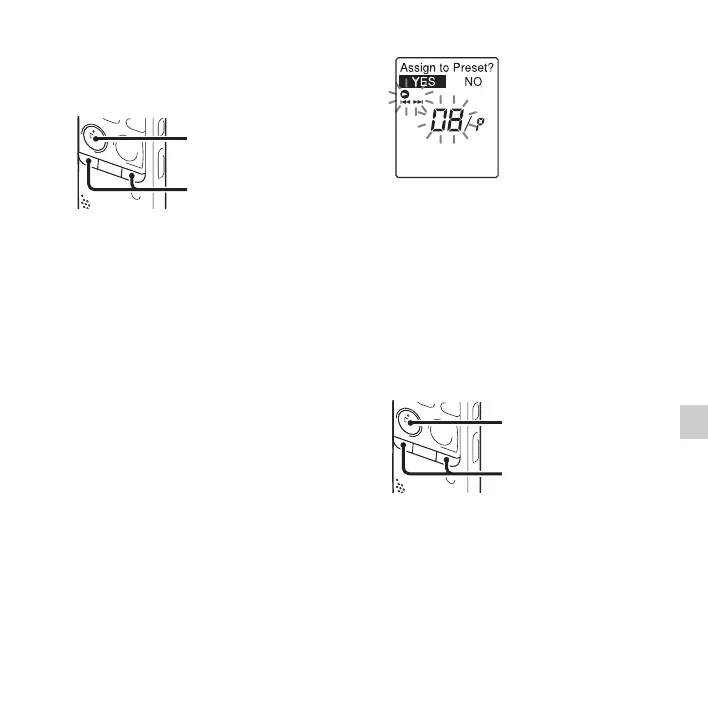
2 Press N PLAY/STOP•ENTER.
The preset number and “Assign to
Preset?” will be displayed.
3
Press –
.
or
>
+ to select “YES,” and
then press
N
PLAY/STOP•ENTER.
The station will be stored in memory on
the preset number.
P Note
If 10 seconds have passed after “Assign to
Preset?” appears
, the setting operations are
canceled.
Erasing preset FM radio
stations
1 Follow steps 1 through 4 of “Tuning in a
preset radio station” on page 74 and tune
in the station to display the preset
number you want to erase.
N PLAY/
STOP•ENTER
–., >+
N PLAY/
STOP•ENTER
–., >+



 To Next Page