67
GB
Editing Files
Dividing a File
Dividing a file at the current
position
You can divide a file in the stop mode, so
that the file is divided into two parts and a
new file number is added to the newer part
of the divided file. By dividing a file, you
can easily find the point from which you
want to play back when you make a long
recording such as at a meeting. You can
divide a file until the total number of files in
the folder reaches the maximum number
allowed.
1 Stop the file at the position where you
want to divide a file.
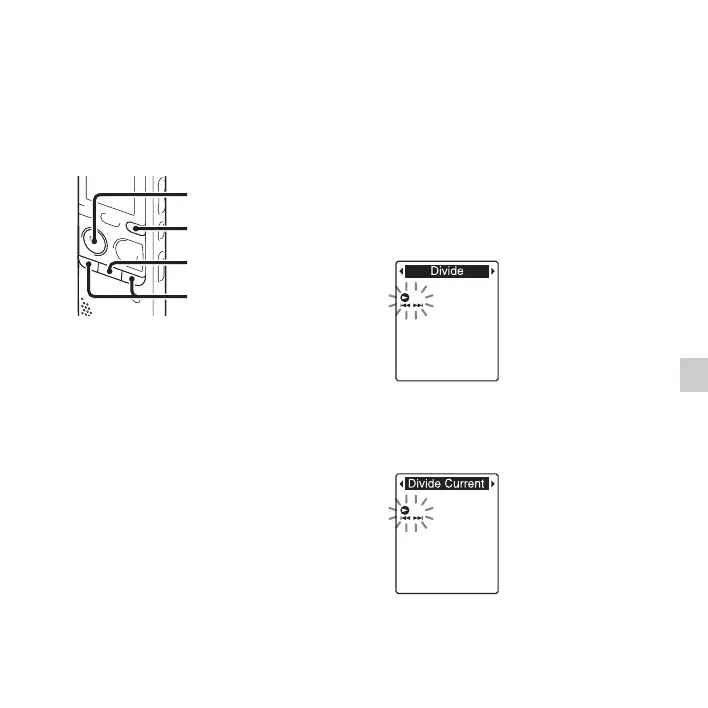
2 Press and hold DISP/MENU in the stop
mode to enter the menu mode.
The menu mode window will be
displayed.
3
Press –
.
or
>
+ to select “Divide,”
and then press
N
PLAY/STOP•ENTER.
4 Press –. or >+ to select “Divide
Current Position,” and then press
N PLAY/STOP•ENTER.
“Divide?” will be displayed.
x
N
PLAY/
STOP•ENTER
–., >+
DISP/MENU



 To Next Page