41
GB
Other Recording Operations
memory card into the slot. Doing so may
cause fire, electric shock, or malfunctions.
To switch the IC recorder
destination to the memory card
1 Press and hold DISP/MENU in the stop
mode to enter the menu mode.
The menu mode window will be
displayed.
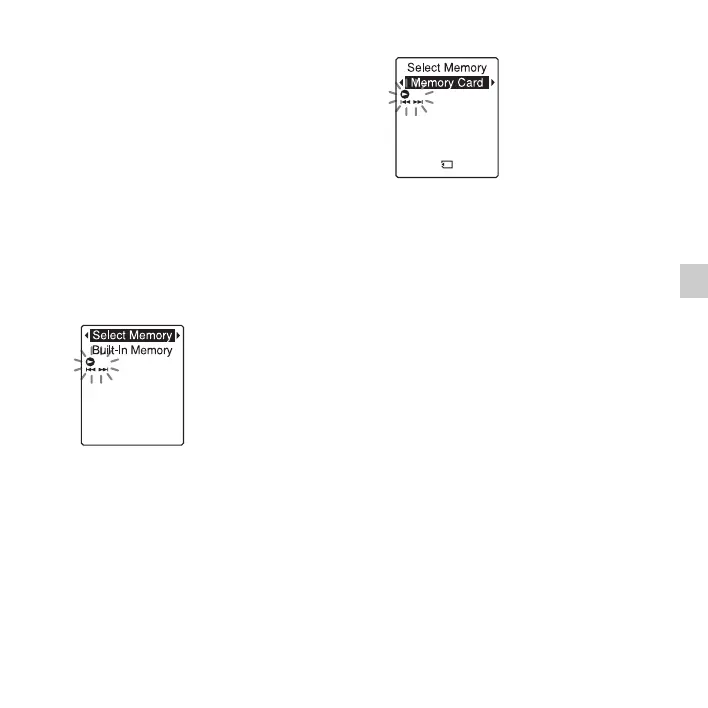
2 Press –. or >+ to select “Select
Memory,” and then press
N PLAY/
STOP•ENTER.
3 Press –. or >+ to select “Memory
Card,” and then press
N PLAY/
STOP•ENTER.
“Select Memory” is set to “Built-In
Memory” when you purchase the IC
recorder.
If the memory card has already been
formatted, proceed to step 7.
4 When the memory card is not formatted,
press –
. or >+ to select “Detail
Menu,” and then press
N PLAY/
STOP•ENTER.
5 Press –. or >+ to select “Format,”
and then press
N PLAY/
STOP•ENTER.
“Erase All Data?” will be displayed.
6 Press –. or >+ to select “YES,”
and then press
N PLAY/
STOP•ENTER.



 To Next Page