46
GB
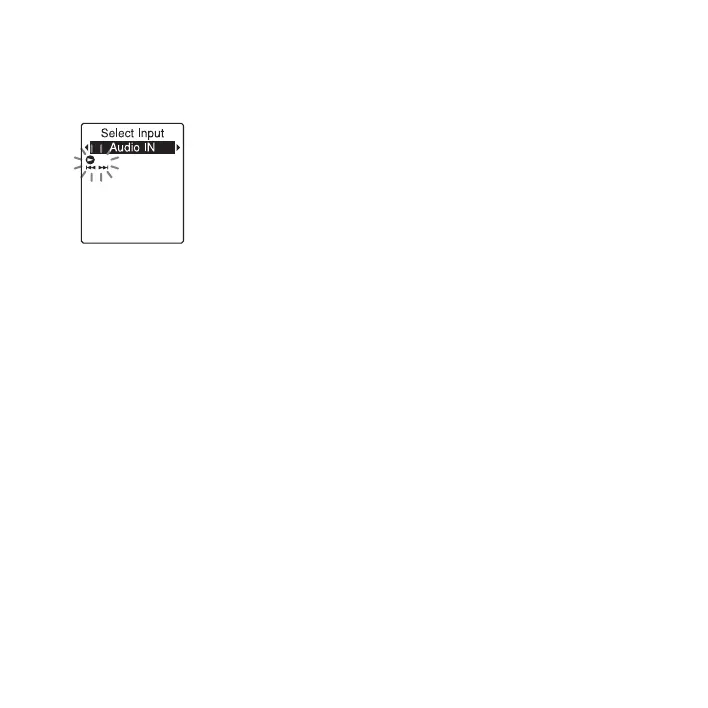
2 Press –. or >+ to select “Audio
IN,” and then press
N PLAY/
STOP•ENTER.
“Select Input” is set to “MIC IN” when
you purchase the IC recorder.
3 Press x (stop) to exit the menu mode.
4 Press z REC/PAUSE to start recording.
The built-in microphone is automatically
cut off and the IC recorder starts
recording sounds from the connected
equipment.
5 Start playback on the piece of equipment
connected to the IC recorder.
6 Press x (stop) to stop recording.
P Note
When audio output of an external device
connected to the IC recorder is monaural and
the recording mode is set to
“192kbps(MONO)” (SHQ) or
“128kbps(MONO)” (HQ), sounds are
recorded only in one channel. In this case, set
the recording mode to “48kbps(MONO)” (SP)
or “8kbps(MONO)” (LP) in the menu
(page 91).



 To Next Page