53
GB
Other Playback Operations
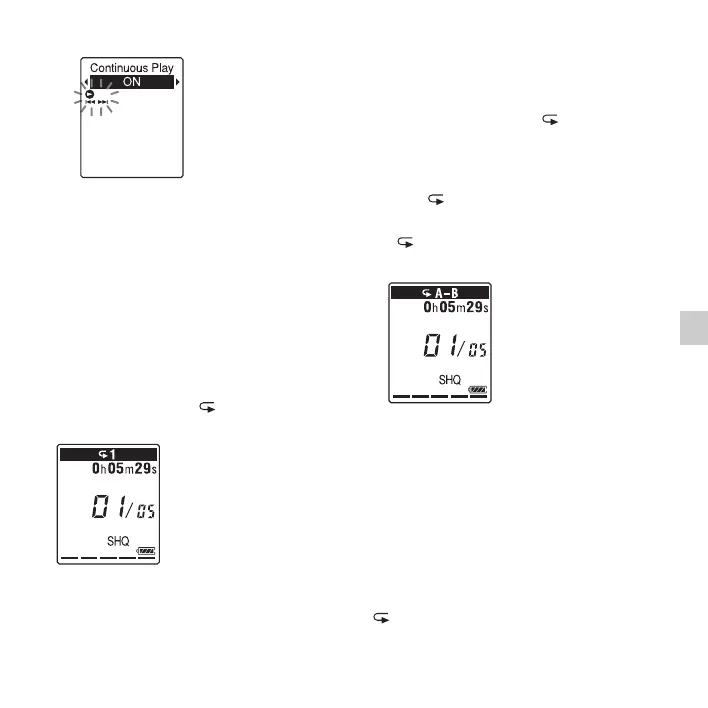
“Continuous Play” is set to “OFF” when
you purchase the IC recorder.
5 Press x (stop) to exit the menu mode.
To resume normal playback
mode – the single file play
Select “OFF” in step 4.
To play back a file repeatedly
During playback, press and hold N PLAY/
STOP•ENTER until “ 1” appears. The
selected file will be played back repeatedly.
To resume normal playback, press
N PLAY/STOP•ENTER again.
To play back a specified section
repeatedly – A-B repeat
1 During playback, press (repeat) A-B
to specify the starting point A.
“A-B B?” is displayed.
2 Press (repeat) A-B again to specify
the finishing point B.
“ A-B” is displayed and the specified
section is played back repeatedly.
To resume normal playback:
Press
N PLAY/STOP•ENTER.
To stop A-B repeat playback:
Press
x (stop).
To change the segment specified for A-B
repeat playback:
During A-B repeat playback, press
(repeat) A-B again to specify a new



 To Next Page