6-5
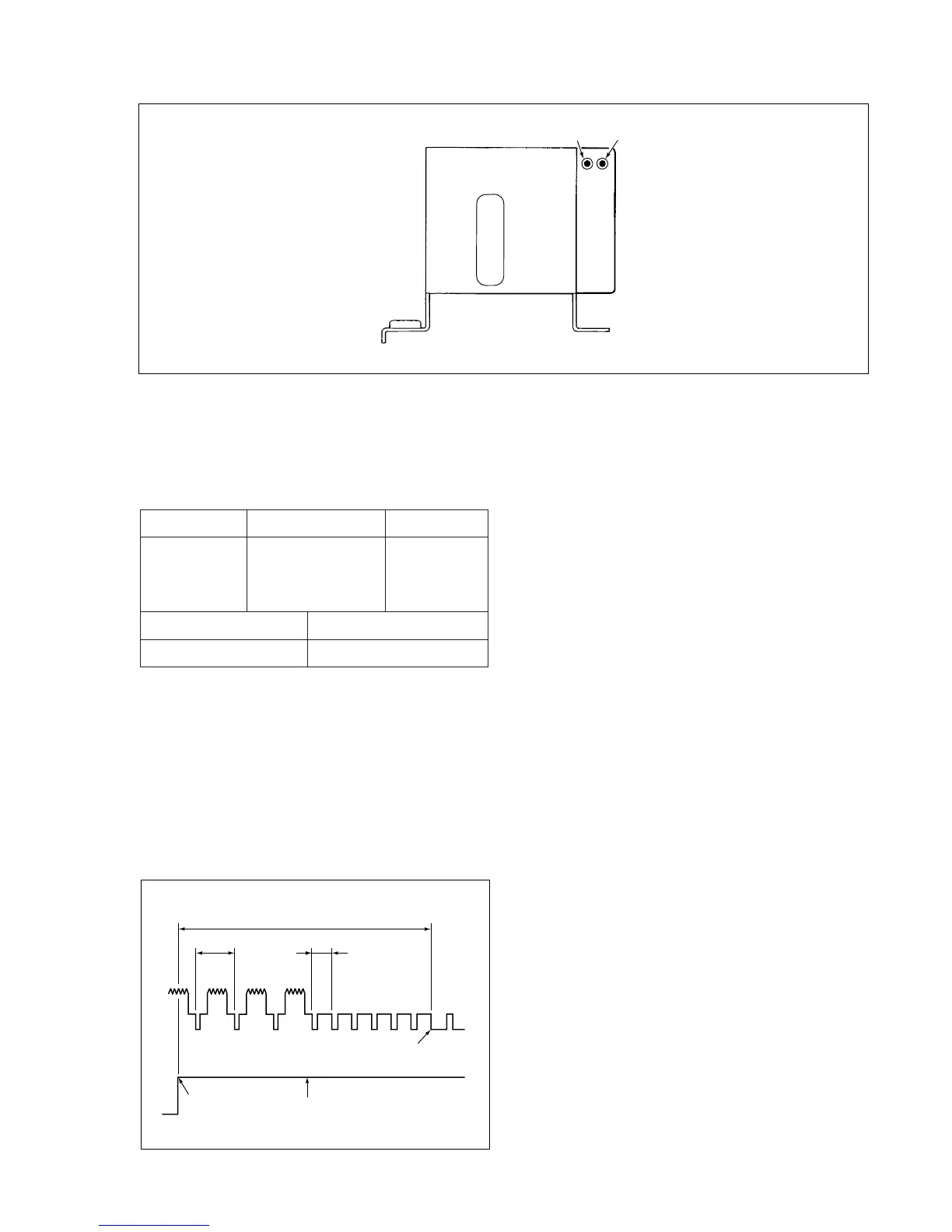
VP-1 PWB Assembly
TP183
(SW-P)
TP182
(ENV.)
Fig. 2-1-2
Note:
• Self-recording means “Record any broadcasting or video
signal and play back the just-recorded portion.”
2-1-3. SWITCHING POSITION ADJ.
Measuring Point Measuring Equipment Adj. Condition
TPIO1 Oscilloscope PLAY mode
(VIDEO OUT) Alignment tape
TP183 (SW-P) (VHJ-0009 or
VHJ-0023)
Adj. Location Adj. Value
VR351 (SW-P) 6.5 H ± 0.5 H
1. After ejecting the cassette tape, load the alignment
tape.
2. Within two seconds after the playback screen is
displayed. press the remote control tracking buttons (4)
once, and cheak that the ATR display goes off.
3. Press the remote control tracking button ($) once and
set the tracking to the center.
Note: Do not press the tracking buttons (4) and ($)
continuosly.
4. Adjust VR351 (SW-P) so that the width of “ T ” be-
comes 6.5 H ± 0.5 H as shown in Fig. 2-1-3.
T = 6.5H ± 0.5H
0.5H
1H
Rise
RF. SW. PULSE
Front edge of
vertical sync signal
Fig. 2-1-3



 To Next Page