1-18
72
Recording stereo and bilingual programmes
Notes
• To listen to playback sounds in stereo, you must use the Scart or AUDIO OUT
connections.
• When you play a tape recorded in monaural, the sound is heard in monaural
regardless of the AUDIO MONITOR setting.
• If the AUDIO MONITOR button does not function, check that AUDIO MIX*
1
in
the OPTIONS-1 menu is set to OFF (see page 84).
• If HIFI AUDIO*
1
is set to STANDARD, the standard sound will be recorded on
both the hi-fi and normal audio tracks. Pressing AUDIO MONITOR will not
change the sound.
*
1
SLV-SE610N, SE710N, SX710N, and SE810N only
73
Searching using the Smart Search function
Additional Operations
Searching using the Smart Search
function
If you record multiple programmes on a tape, you can use the Smart Search function
to see what has been recorded on your tape. You can see information such as date,
time, and programme position of the programmes recorded. You can also start
playback directly from the selected programme using the SMART SEARCH screen.
All programmes are listed on the screen, regardless of how the programme was
recorded.
To store programme information, see “Storing the programme information” on page
75. If you eject the tape before storing the information, the information will be
cleared.
Before you start…
• Turn on your TV and set it to the video channel.
• Refer to “Index to parts and controls” for button locations.
To stop searching
Press x STOP.
To exit the SMART SEARCH screen
Press MENU.
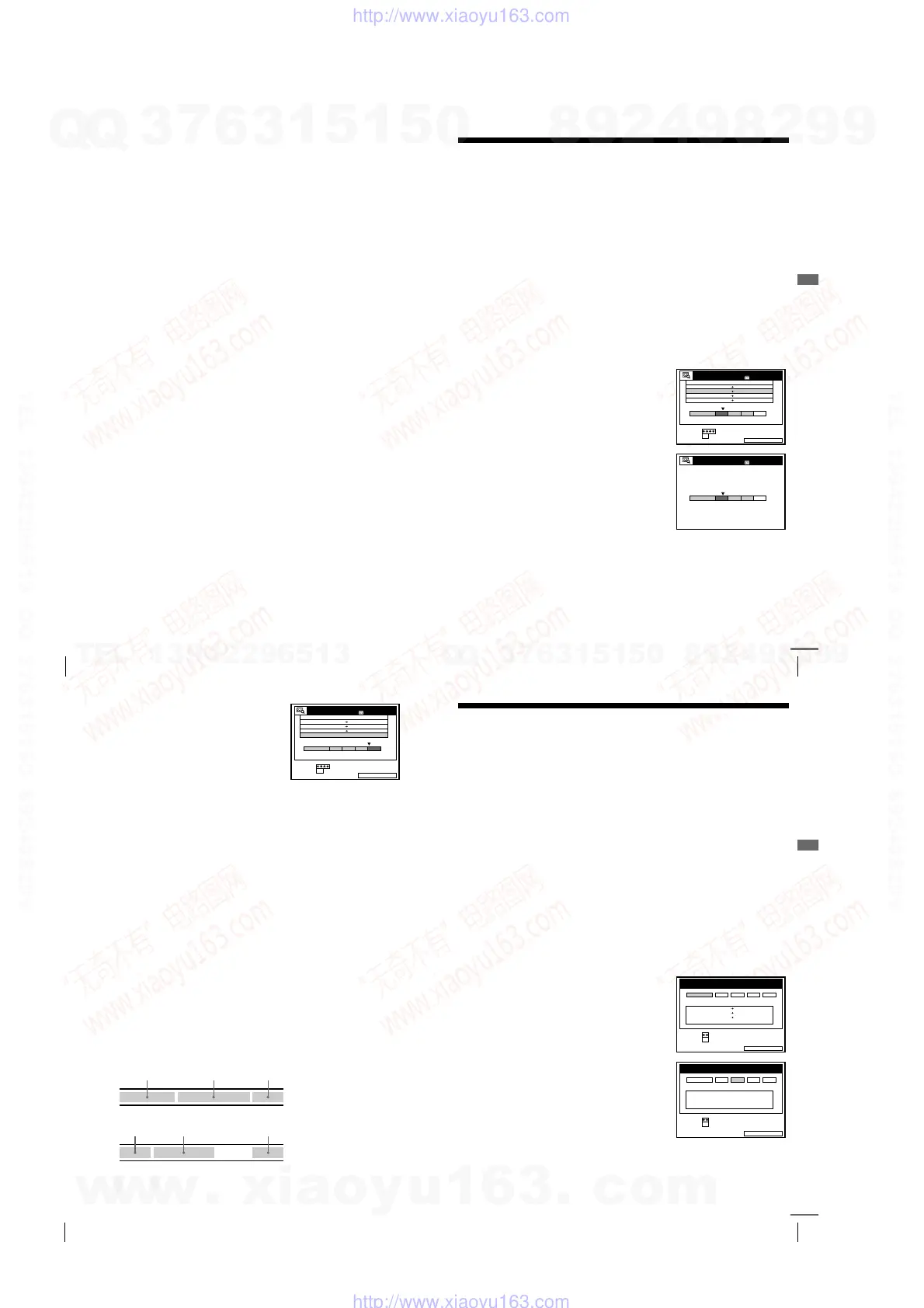
1
After recording, press ?/1 to turn on the
VCR.
2
Press SMART SEARCH.
3
Press
M
/
m
/
<
/
,
to select the programme
you want to start viewing.
4
Press OK.
The VCR starts searching, and playback
starts automatically from the beginning of
the selected programme.
SMART SEARCHSAVE :
14 :00 15:00 FGH
0 20 :00 21 :00
AAB
29 .9
.9
6:30 7:00 IJK1.10
3
SET
SELECT
SMART SEARCH
:
:
OK
19 :00 20:00 328 .9 5
DATE TIME PROG.
3 0MIN.BLANK TIME
1 80MIN.
SMART SEARCH
NOW SEARCHING
1 80MIN.
continued
74
Searching using the Smart Search function
To record in a blank space
Blank space on the tape will appear as a
blank row in the SMART SEARCH screen.
Select the last blank row in step 3, then press
OK. The VCR rewinds/fast-forwards the
tape to the beginning of the blank space, then
stops. Start recording. Note that “BLANK
TIME” and the remaining time indication
only refers to the length of the last blank
space.
Tips
• You can store information for up to 24 programmes on a single list.
• While recording, you can display the SMART SEARCH screen using the SMART
SEARCH button. If you decide to stop recording, press MENU to make the
SMART SEARCH screen disappear first. Then press
x
STOP.
• You can have the player recall the data of the last cassette used to record
programmes even after you eject the tape (page 78).
Notes
• You cannot use this function unless the clock is set.
• Depending on the tape, the total or remaining time may not appear correctly.
• If many short programmes are recorded on a tape, multiple programmes may be
included in a single block. In this case, only the latest programme information will
appear in the SMART SEARCH screen.
• Blank time is measured from the end of the last recorded programme to the end of
the tape. However, if you eject the tape and then make a new recording on the
same tape, the original recorded programme(s) is displayed as a blank space.
• The station name* may not appear if the VCR does not receive station name
information signals.
• If you start recording a programme “D” from the middle of a previously recorded
programme “A” and into another previously recorded programme “B,” the Smart
Search information for the second programme “B,” which is recorded over, is
deleted.
* not available on SLV-SE610N/K
SMART SEARCHSAVE :
14 :00 15:00 FGH
0
29 .9
.93
SET
SELECT
SMART SEARCH
:
:
OK
DATE TIME PROG.
3 0MIN.BLANK TIME
20 :00 21:00
AAB
6:30 7:00
1.10 IJK
180MIN.
Originally recorded programmes
AB
Recording the programme “D” over the programme “A” and “B”
C
AD C
75
Storing, searching and deleting programme information (Smart Search Plus)
Additional Operations
Storing, searching and deleting
programme information (Smart Search
Plus)
You can store programme information, such as the recording date and time, and
programme position, for a maximum of four tapes. You can select a programme and
start playback, by recalling the information directly from the Smart Search Plus
screen.
Storing the programme information
You can store programme information for a maximum of four tapes. Before recording
a programme, select a memory bank number from the list on the SMART SEARCH
screen.
The unit will not memorize the memory bank number for each cassette. Note the
number you assigned to each cassette.
Before you start...
• Turn on your TV and set it to the video channel.
• Refer to “Index to parts and controls” for button locations.
1
Insert a cassette for recording.
The VCR automatically turns on.
2
Press SMART SEARCH.
The SMART SEARCH -RECALL-screen
appears.
RECALL is highlighted and the data for
the last cassette used to record
programmes appears.
3
Press </, to select a memory bank
number.
Note the memory bank number on the
cassette.
To cancel the process, press SMART
SEARCH.
4
Press OK.
5
Start recording.
The information about the recorded programme will be stored on the
selected memory number.
SMART SEARCHEXIT :
SET
SELECT
SMART SEARCH -RECALL-
:
:
OK
DATE TIME PROG.
RECALL 1 2 3 4
20 :00 21:00 AAB30.9
6:30 7:00
1.10
14 :00 15:00
FGH29 .9
IJK
SMART SEARCHEXIT :
SET
SELECT
SMART SEARCH -RECALL-
:
:
OK
DATE TIME PROG.
RECALL 1 2 3 4
NO DATA
continued
w
w
w
.
x
i
a
o
y
u
1
6
3
.
c
o
m
Q
Q
3
7
6
3
1
5
1
5
0
9
9
2
8
9
4
2
9
8
T
E
L
1
3
9
4
2
2
9
6
5
1
3
9
9
2
8
9
4
2
9
8
0
5
1
5
1
3
6
7
3
Q
Q
TEL 13942296513 QQ 376315150 892498299
TEL 13942296513 QQ 376315150 892498299
http://www.xiaoyu163.com
http://www.xiaoyu163.com



 To Next Page