1-19
76
Storing, searching and deleting programme information (Smart Search Plus)
To assign a memory number after recording
After recording a programme, you can store the programme information as a new
memory before ejecting the cassette. However, you cannot add the memory on the
existed memory bank number. To store the memory as additional, select the memory
bank number before.
To exit the SMART SEARCH screen
Press SMART SEARCH.
Note
• If you select a number that is already contains programmes, the old programme
information is cleared and the new programme information is stored.
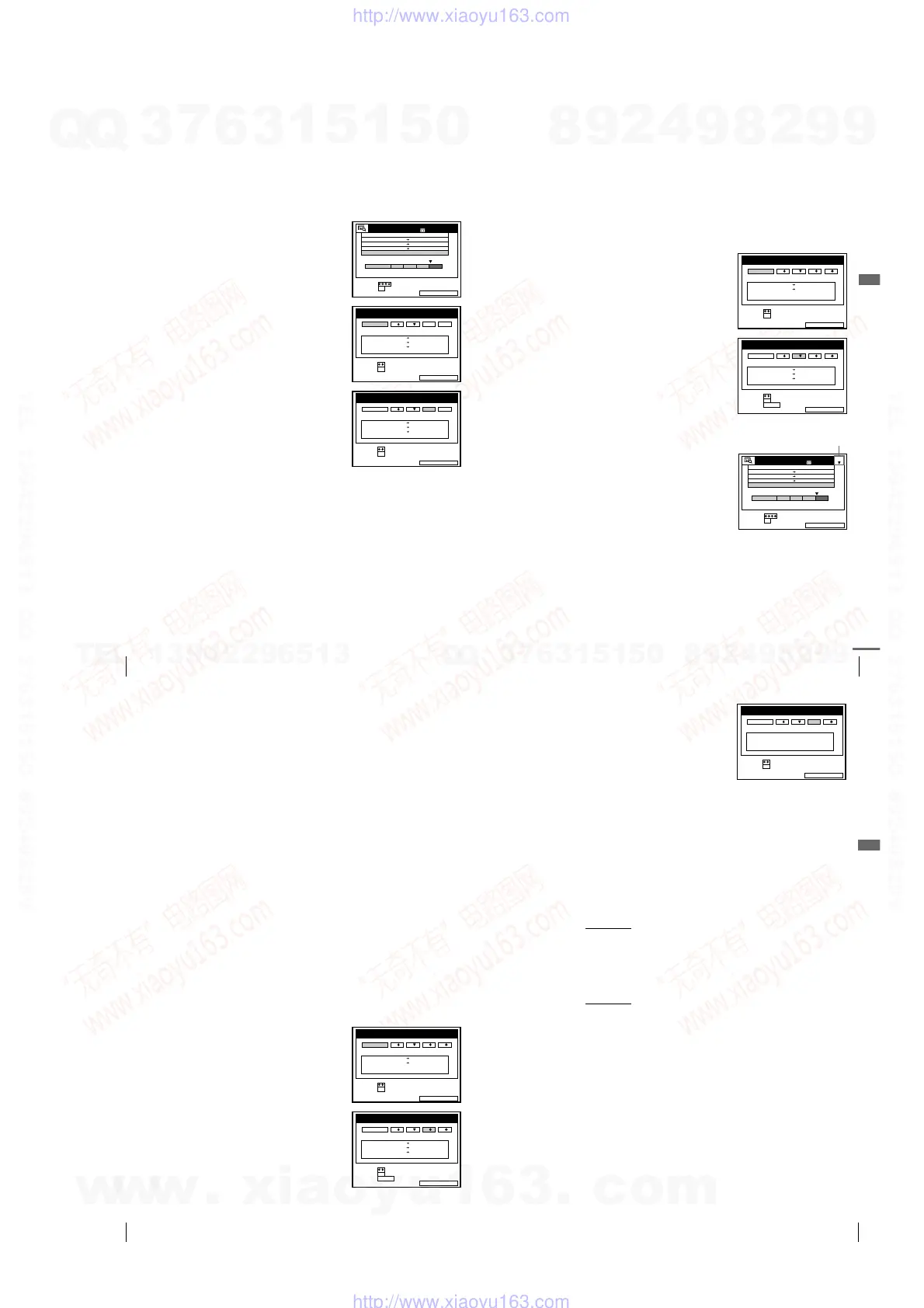
1
Press ?/1 to turn on the VCR.
2
Press SMART SEARCH.
3
Press SMART SEARCH again.
The SMART SEARCH -SAVE- screen
appears.
4
Press </, to select a memory bank
number.
Select the memory bank number with no
information or the memory bank number
to be deleted.
To cancel the process, select CANCEL.
5
Press OK.
SMART SEARCHSAVE :
14 :00 15:00 FGH
0
29 .9
.93
SET
SELECT
SMART SEARCH
1 80MIN.
:
:
OK
DATE TIME PROG.
3 0MIN.BLANK TIME
20 :00 21:00
AAB
6:30 7:00
1.10 IJK
SMART SEARCHEXIT :
20 :00 21:00
AAB30 .9
6:30 7:00
1.10
14 :00 15:00
FGH29 .9
SET
SELECT
SMART SEARCH -SAVE-
:
:
OK
DATE TIME PROG.
CANCEL 1 2 3 4
IJK
SMART SEARCHEXIT :
SET
SELECT
SMART SEARCH -SAVE-
:
:
OK
DATE TIME PROG.
CANCEL 1 2 3 4
20 :00 21:00 AAB30 .9
6:30 7:00
1.10
14 :00 15:00
FGH29 .9
IJK
77
Storing, searching and deleting programme information (Smart Search Plus)
Additional Operations
Searching for programme information stored on the memory bank
number
You can start playback of the recorded programme after call the programme
information from the four memory bank numbers.
Before you start...
• Turn on your TV and set it to the video channel.
To stop searching
Press x STOP.
1
Insert the cassette for which you want to use the memory bank number.
The VCR automatically turns on.
2
Press SMART SEARCH.
The SMART SEARCH -RECALL-
screen appears.
3
Press </, to select the memory bank
number for the inserted cassette.
The programme information contained in
the selected memory bank number
appears.
When you selected wrong memory bank
number, eject the cassette and repeat
steps from step 1.
4
Press OK.
The selected memory bank number
appears on the SMART SEARCH screen.
5
Press M/m/</, to select the programme you want to start viewing.
6
Press OK.
The VCR starts searching, and playback starts automatically from the
beginning of the selected programme.
SMART SEARCHEXIT :
SET
SELECT
SMART SEARCH -RECALL-
:
:
OK
DATE TIME PROG.
RECALL 1 2 3 4
21 :30 23:004.10
0 18:00 19:00
CDE2.1
I
J
K
SMART SEARCHEXIT :
SET
SELECT
SMART SEARCH -RECALL-
:
:
OK
DATE TIME PROG.
RECALL 1 2 3 4
20 :00 21:00 AAB30 .9
6:30 7:00
1.10
14 :00 15:00
FGH29 .9
IJK
ERASE :
CLEAR
SMART SEARCHEXIT :
14 :00 15:00 FGH
0
29 .9
.93
SET
SELECT
SMART SEARCH
180MIN.
:
:
OK
2
DATE TIME PROG.
3 0MIN.BLANK TIME
20 :00 21:00
AAB
6:30 7:00
1.10 IJK
continued
Memory bank number
78
Storing, searching and deleting programme information (Smart Search Plus)
To exit the SMART SEARCH screen
Press SMART SEARCH.
Recalling the most recent programme information
Programme information that is not saved in one of the memory bank
numbers is erased when the cassette is ejected. The RECALL memory bank
will temporarily memorize the programme information of the last tape used
for recording in case that it is accidentally ejected.
If you re-insert the cassette in step 1 that you accidentally ejected and then
select RECALL in step 3, the data for the last tape used to record
programmes appears. Press OK and the latest information will appear on the
SMART SEARCH screen. You can then add new information to this
programme list. For an explanation about viewing programme information
without using one of the memory banks, see page 73.
If you want to erase the latest information in the RECALL memory bank,
press the SMART SEARCH button instead of the OK button in step 3 and
then close the SMART SEARCH screen. The new information will replace
all of the current information in the RECALL memory bank.
Note
• When you insert the cassette whose information does not exist on the memory
bank number, you cannot search the recorded programme.
Deleting the programme information
You can delete the programme information stored in a memory number.
Before you start...
• Turn on your TV and the VCR.
• Set the TV to the video channel.
1
Press SMART SEARCH.
The SMART SEARCH -RECALL-
screen appears.
2
Press </, to select the memory bank
number to delete.
The programme information on the
selected memory bank number appears.
Check the information that you want to
delete.
SMART SEARCHEXIT :
SET
SELECT
SMART SEARCH -RECALL-
:
:
OK
DATE TIME PROG.
RECALL 1 2 3 4
21 :30 23:004.10
0 18:00 19:00
CDE2.1
I
J
K
SMART SEARCHEXIT :
SET
SELECT
SMART SEARCH -RECALL-
:
:
OK
DATE TIME PROG.
RECALL 1 2 3 4
20 :00 21:00 AAB30 .9
6:30 7:00
1.10
14 :00 15:00
29 .9
IJK
ERASE :
CLEAR
FGH
79
Storing, searching and deleting programme information (Smart Search Plus)
Additional Operations
Note
• You cannot use or return the deleted information.
About the Demonstration Mode
The Smart Search Plus function has a Demonstration Mode that allows the user, such
as a salesperson, to automatically display the Smart Search Plus screens.
To activate the Demonstration Mode
While the VCR is turned on, press and hold the both x (stop) and A (eject)
buttons on the VCR
for a few seconds. The demonstration will start and the
four kinds of Smart Search Plus screens will be displayed repeatedly. If you
operate the VCR, the Demonstration Mode temporarily stops. After about
five minutes, the demonstration will restart.
To cancel the Demonstration Mode
While the VCR is turned off, press and hold the both x (stop) and A (eject)
buttons on the VCR
for a few seconds. You can also cancel the
Demonstration Mode if you turn the power off and unplug the mains lead.
3
Press CLEAR.
The programme information is deleted.
4
Press SMART SEARCH.
The SMART SEARCH screen disappears.
SMART SEARCHEXIT :
SET
SELECT
SMART SEARCH -RECALL-
:
:
OK
DATE TIME
NO DATA
PROG.
RECALL 1 2 3 4
w
w
w
.
x
i
a
o
y
u
1
6
3
.
c
o
m
Q
Q
3
7
6
3
1
5
1
5
0
9
9
2
8
9
4
2
9
8
T
E
L
1
3
9
4
2
2
9
6
5
1
3
9
9
2
8
9
4
2
9
8
0
5
1
5
1
3
6
7
3
Q
Q
TEL 13942296513 QQ 376315150 892498299
TEL 13942296513 QQ 376315150 892498299
http://www.xiaoyu163.com
http://www.xiaoyu163.com



 To Next Page