11
Functions Supported in Software Version 1.1 and 1.2
Chapter 1 Overview
Software Version 1.2
2) Use the controller with software version 1.7 or higher to use this function.
3) Use the controller with software version 1.6 or higher to use this function.
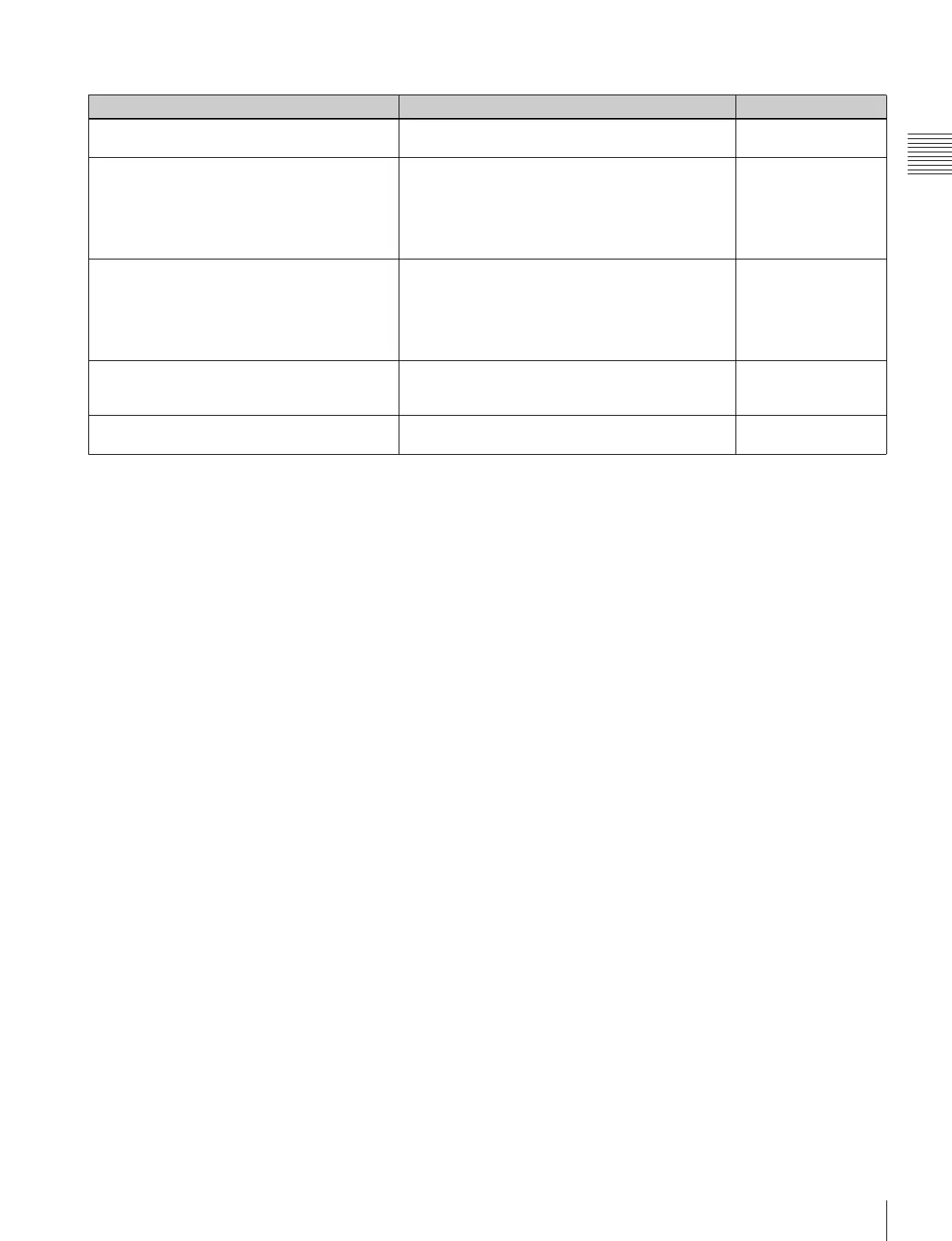
Menu Supported function Reference page
•ECO lamp
Indicates the power consumption status of the monitor
by the color of the lamp.
18
• ASC CDL
(in the Color Profile menu of the Channel
Configuration menu)
(in the Auxiliary Setting menu)
2)
(on the STATUS page)
• The ASC CDL data for the Color Profile setting can
be selected.
• The ASC CDL data files stored in a “Memory Stick”
can be loaded into or deleted from the monitor.
• Information related to ASC CDL are displayed
collectively on the STATUS page.
53, 57, 99
•User LUT
(in the Color Profile menu of the Channel
Configuration menu)
(in the Auxiliary Setting menu)
3)
(on the STATUS page)
• The User LUT data for the Color Profile setting can
be selected.
• The User LUT data files stored in a “Memory Stick”
can be loaded into or deleted from the monitor.
• Information related to User LUT are displayed
collectively on the STATUS page.
54, 58, 99
• DisplayPort Upgrade
(in the Monitor Upgrade menu of the System
Configuration menu)
• DisplayPort data can be upgraded.
76, 101
• ENTER button on the controller
2)
The functions assigned to the function buttons on the
controller can be displayed collectively.
33, 100


 To Next Page