(KV-27TS36/32TS36/32TS46/2_77/27TW78/32TW77/321"W78/KV-2975M only)
Changing the window picture input mode
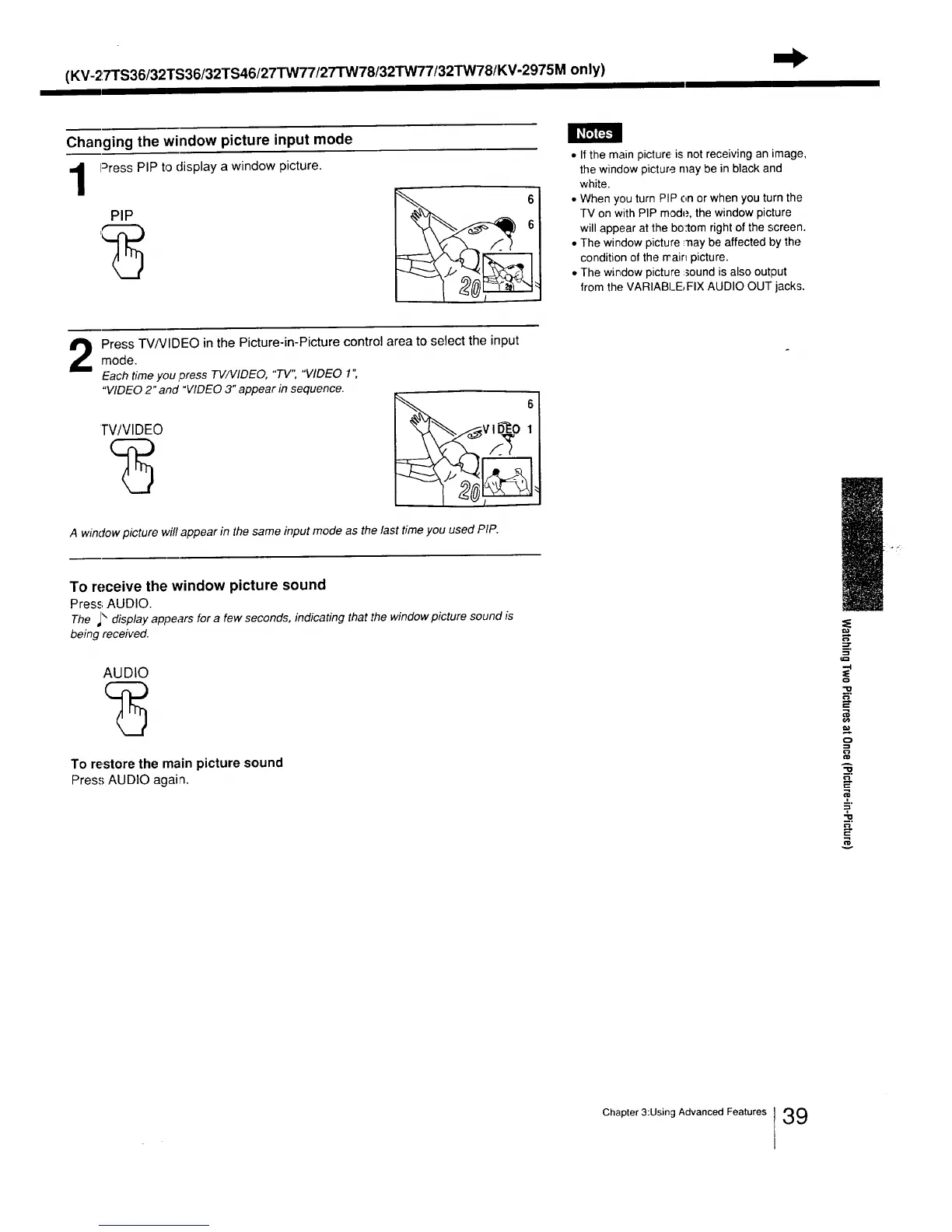
Press PIP to display a window picture.
PIP
1
• If the main picture is not receiving an image,
the window picture may be in black and
white.
• When you turn PIP on or when you turn the
TV on with PIP mode, the window picture
will appear at the bo:tom right of the screen.
• The window picture ;nay be affected by the
condition of the rrain picture.
• The window picture :sound is also output
from the VARIABLE, FIX AUDIO OUT jacks.
Press TV/VIDEO in the Picture-in-Picture control area to select the inputmode.
Each time you Dress TV/VlDEO, "TV", "VIDEO 1 "
"VIDEO 2" and "VIDEO 3" appear in sequence.
TV/VIDEO
&_v ID_O I
A window picture will appear in the same input mode as the last time you used PIP.
To receive the window picture sound
Press; AUDIO.
The _\ display appears for a few seconds, indicating that the window picture sound is
being received.
AUDIO
To restore the main picture sound
Press AUDIO again.
,-.I
-IO
O
A
=.
=-2
v
i ¸, _-1
Chapter 3:Using Advanced Features 39






 To Next Page