Displaying a still picture -- FREEZE
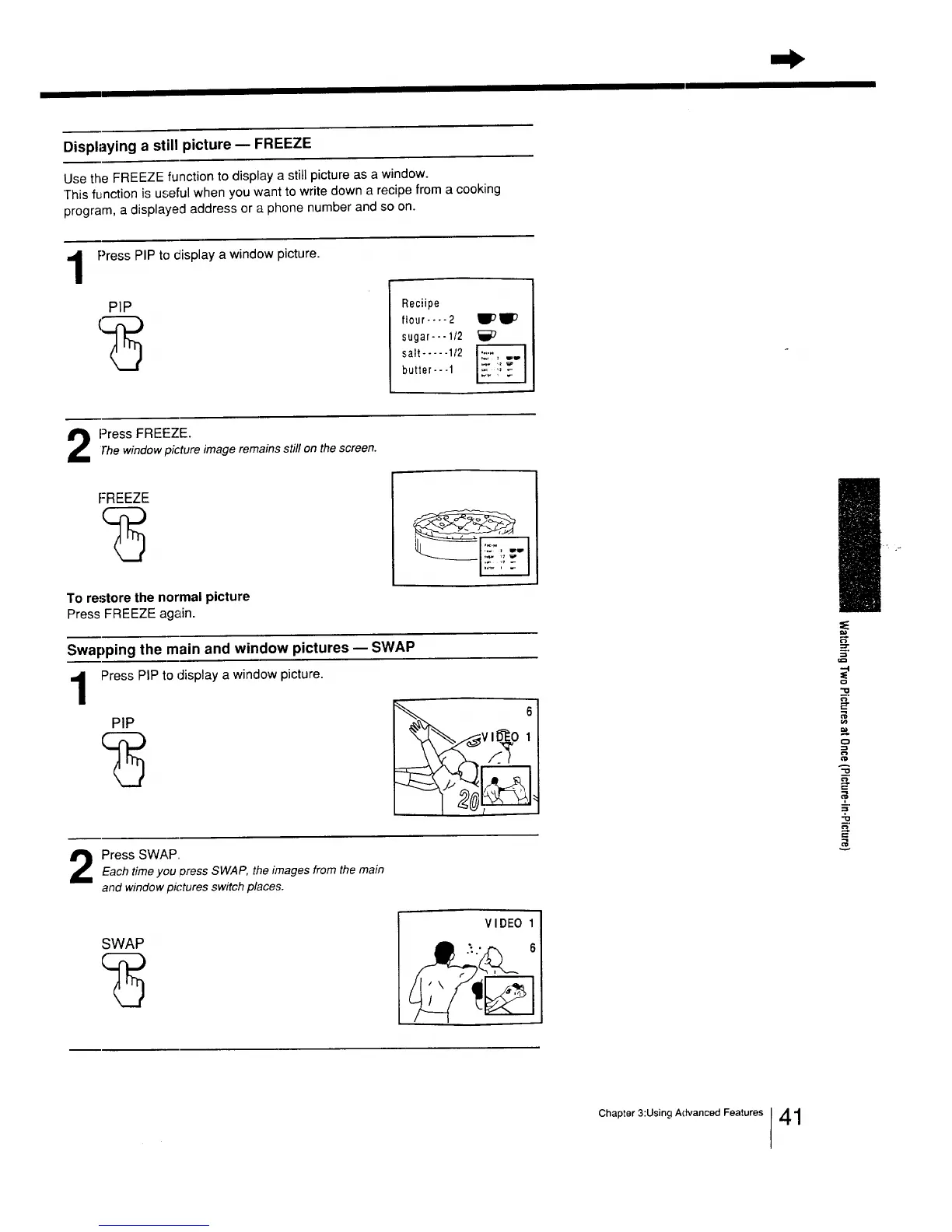
Use the FREEZE function to display a still picture as a window.
This function is useful when you want to write down a recipe from a cooking
program, a displayed address or a phone number and so on.
1
Press PIP to display a window picture.
PIP Reciipe
ltour .... 2 _WD
sugar---l/2
salt ..... 1/2
butter-- -1
2 Press FREEZE.Thewindow picture image remains still on the screen.
FREEZE
To restore the normal picture
Press FREEZE again.
Swapping the main and window pictures m SWAP
Press PIP to display a window picture, t
PIP
_:_VI1_0 1
Press SWAP
Each time you oress SWAP, the images from the main
and window pk'tures switch places.
A
¢D
=,
m.
SWAP
VIDEO
Chapter 3:Using Advanced Features [41






 To Next Page