3-6
VPL-ES5/EX5/EX50/EX5U/EW5
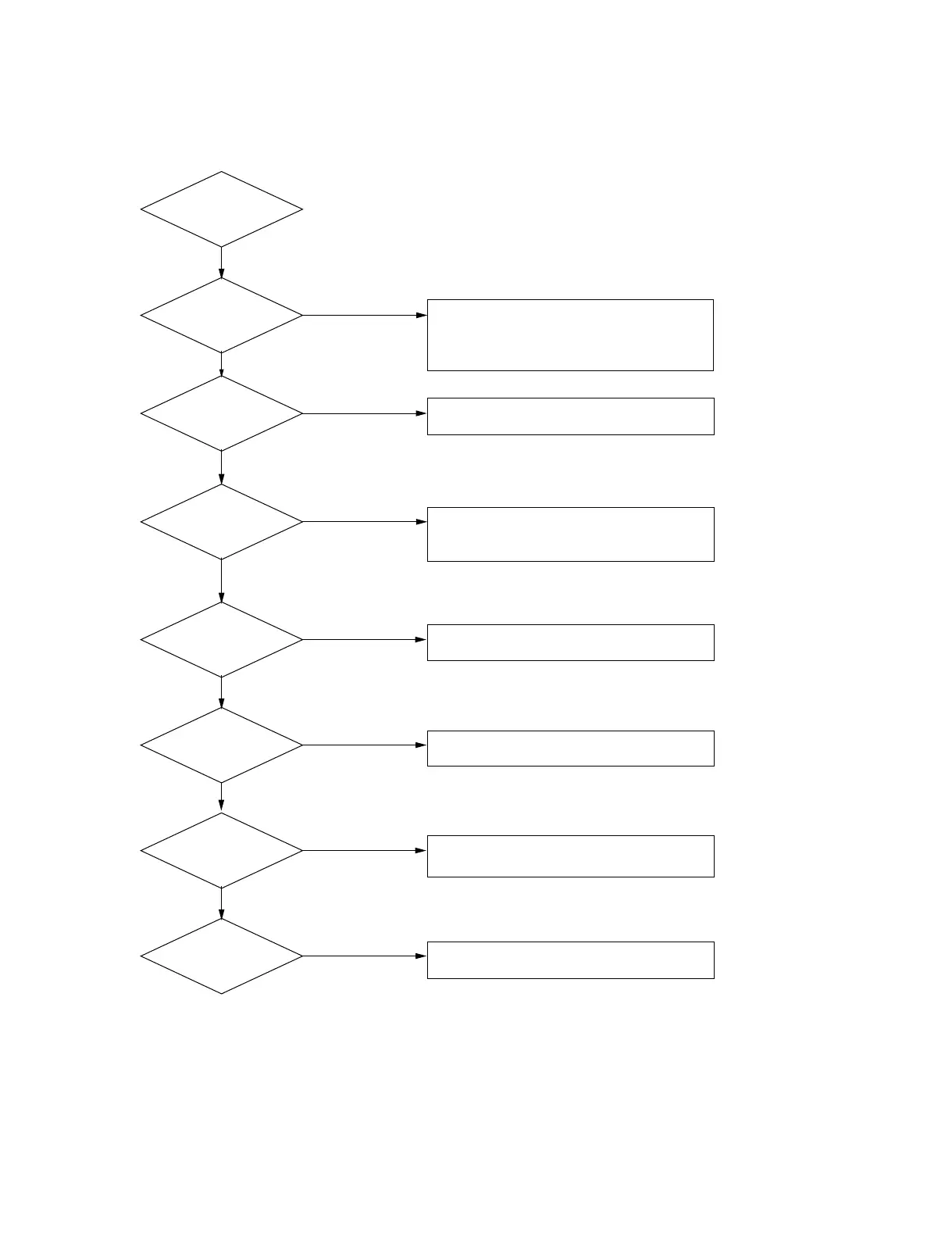
3-3. Optical Troubleshooting
Brightness
No good ?
Flicker ?
Color
No good ?
No Color Uniformity ?
No Focus ?
1. Check the EE setting (ADC calibration) /
Follow up EE alignment procedure.
2. Check the Lamp assembly.
1. Check the R,G,B VCOM.
1. Check the R,G,B Gain.
2. Check the Panel cable connector.
1. Check uniformity R,G,B value.
1. Check the Projection lens at datum surface.
Connect the Power
Yes
No
Yes
No
No
Yes
No
Yes
No
Yes
Dust ?
Black level
No good ?
1. Cleaning the Lens array (front of lamp).
2. Cleaning the R,G,B Panel.
1. Check the FPC cable connecting.
No
Yes
Yes



 To Next Page