Operation
17
Operation
The main purpose of this chapter is to provide the necessary operating instructions for the
operators.
Note:The UI interface of the screen may change with software updates. If you have any
questions, please contact local dealer or CenoBots for technical support.
Starting Machine
Turn the machine power on by turning the key switch to ‘ON’ position. The load-break switch
must be in the ‘ON’ position, or machine cannot be turned on.
Notice: After 7 days of storage, the battery will enter a dormant state automatically, and the
machine can’t be turned on using the key switch. Please use the charger to activate the
battery.
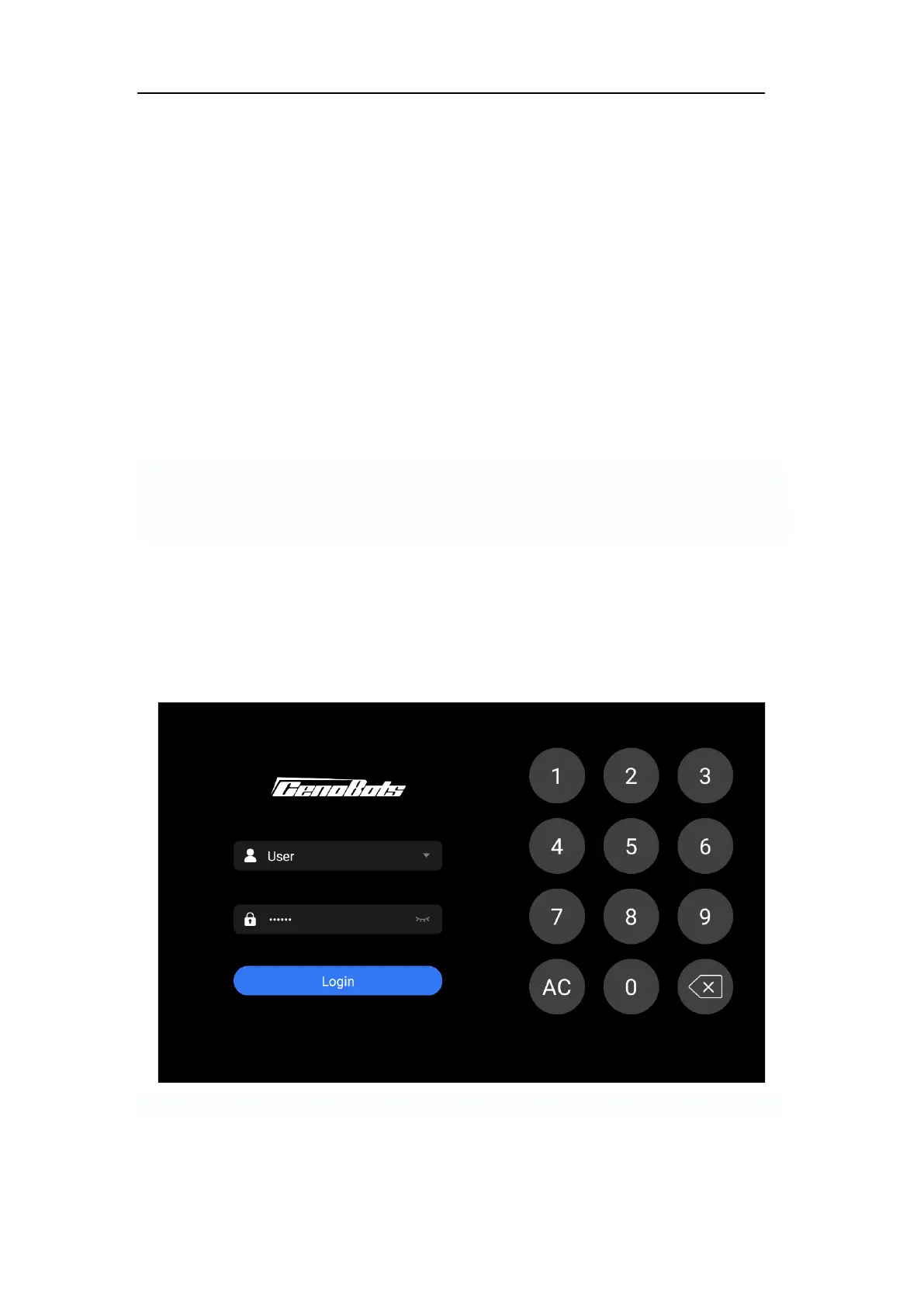
When the machine is turned on and the UI is fully loaded, the login page will be presented
first on the touch screen. There are two types of accounts on the login page: 'User' and
'Admin'. The 'User' account is for normal users to perform basic operations such as starting
cleaning tasks, setting cleaning schedules, and viewing the cleaning report, among others.
The 'Admin' account is for advanced operations such as map scanning, managing
configurations, and adjusting cleaning parameters, among others.
FIG.14



 To Next Page