Maintenance
33
Software Updates
The software can be updated by the user in the 'Admin' account. The update access can be
found in Admin > Device > Device Info.
CAUTION: When updating the software, ensure that the battery level is above 30%.
Do not shut down the machine during the update process, as it may cause damage to the
system.
For safety: Before maintaining or leaving the machine, stop on the level ground and turn off
the machine.
Note: The machine cannot be operated or moved while updating the software.
Battery
Charging Battery
For safety: Before charging or leaving the machine, stop on the level ground.
There are two ways to charge the battery:
1. Use the charging station/workstation to charge automatically, and the machine must be
turned on.
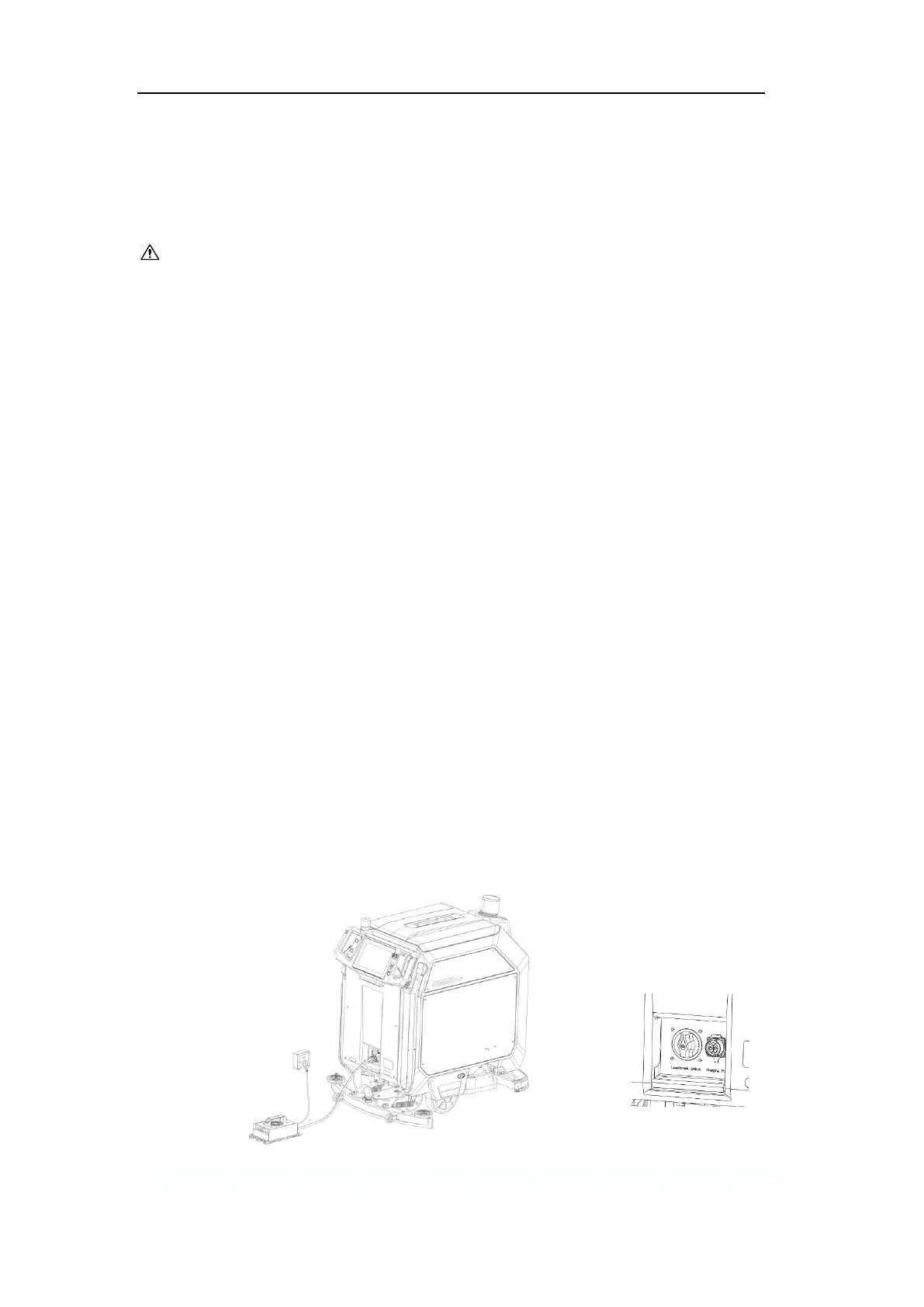
2. Use the manual charger. When charging machine manually, the following steps should
be taken:
1) Before charging the battery, turn off the machine using the key switch.
2) Connect output plug of the charger to the charging port of the machine.
3) Connect the input plug of the charger to the AC power source as shown in
FIG.33.
4) If the charger's indicator shows a red or yellow flashing light, it means the
battery is charging.
5) When the battery is fully charged (the indicator shows a green light), unplug
both the AC input and DC output plugs.
FIG.33



 To Next Page