Operation
18
Selecting the Map
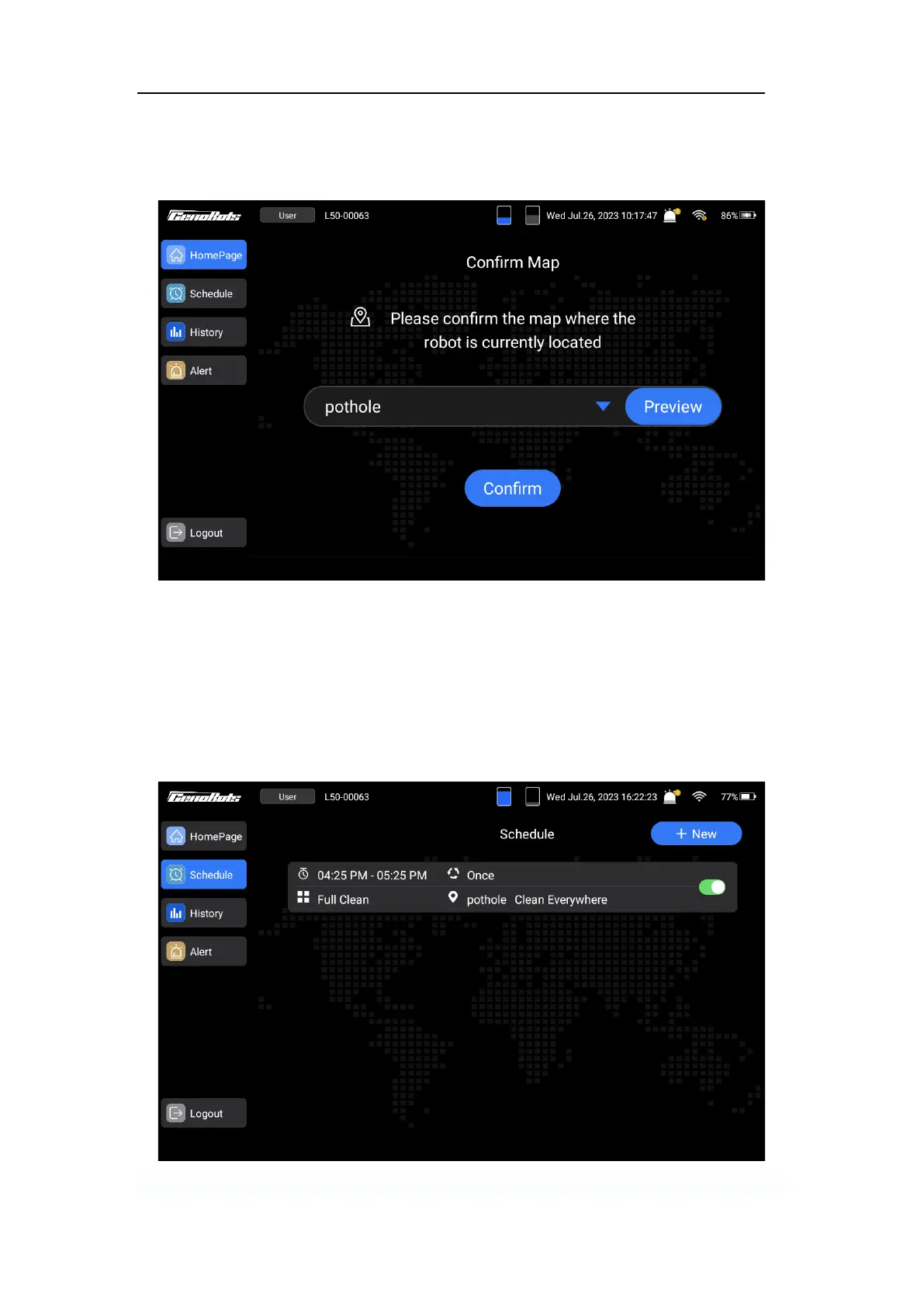
After login, select the right map and tap ‘Confirm’ to enter the next step.
FIG.15
Setting Scheduled Cleaning Tasks
1. Tap the ‘Schedule’ button on the left side of the screen interface.
2. Tap the ‘+New’ button on the top right.
3. Set the starting time, ending time, cleaning dates, cleaning mode, and select the map.
4. Save the settings.
FIG.16



 To Next Page