Operation
20
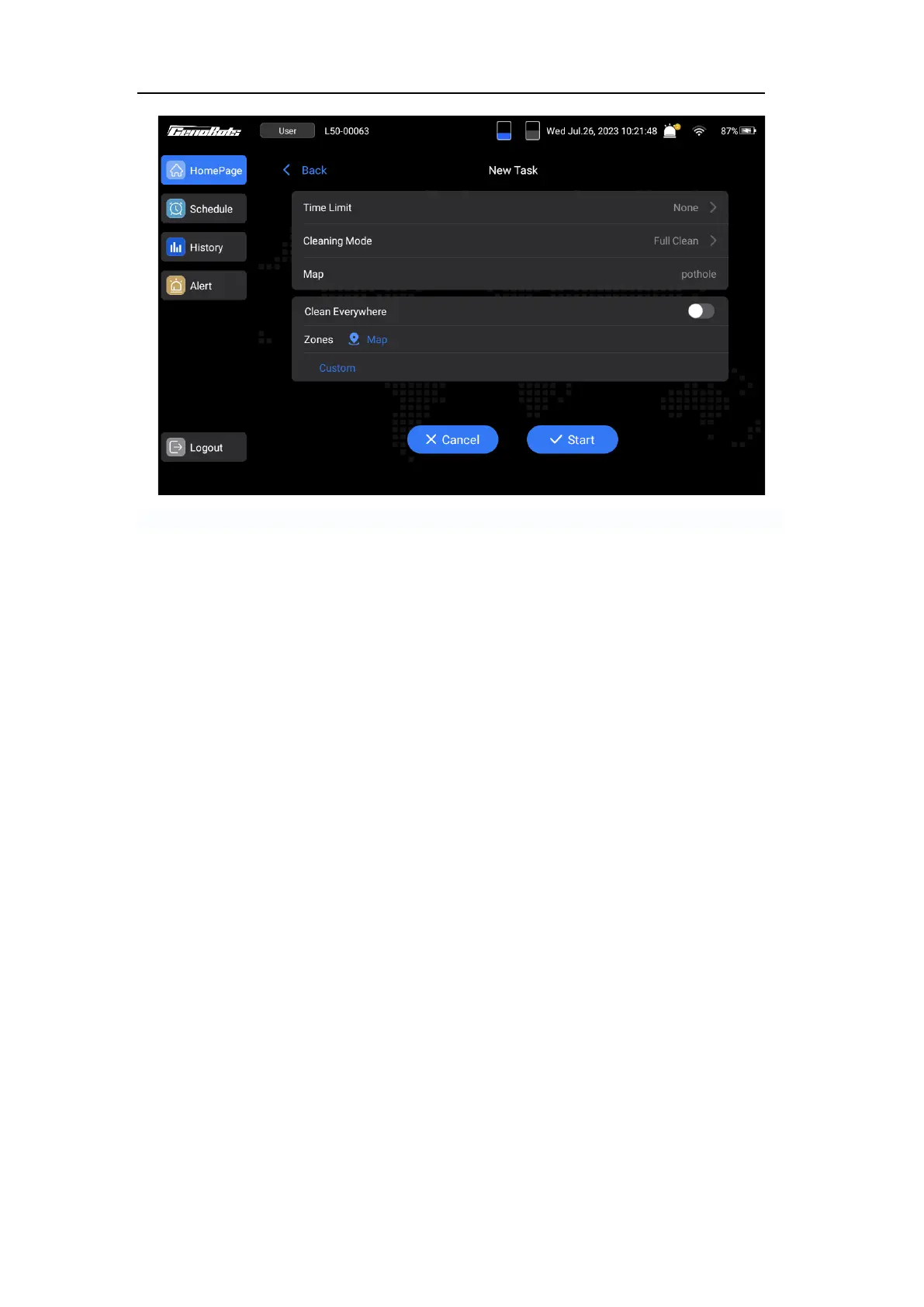
FIG.18
Checking the Alert
If there is a numerical display on the ‘Warning notice light’ (G) on the homepage, it means that
the machine has warnings or errors.
1. Tap the ‘Alert’ on the home page.
2. Check the warnings or errors. Follow the provided tips or refer to the ‘Troubleshooting’
chapter.
3. Tap the ‘Clear’ button in the right top position. If the machine still fails to function properly,
contact the dealer or CenoBots directly.
Notice: Errors will cause the machine to stop, while warnings will not.



 To Next Page