Operation
22
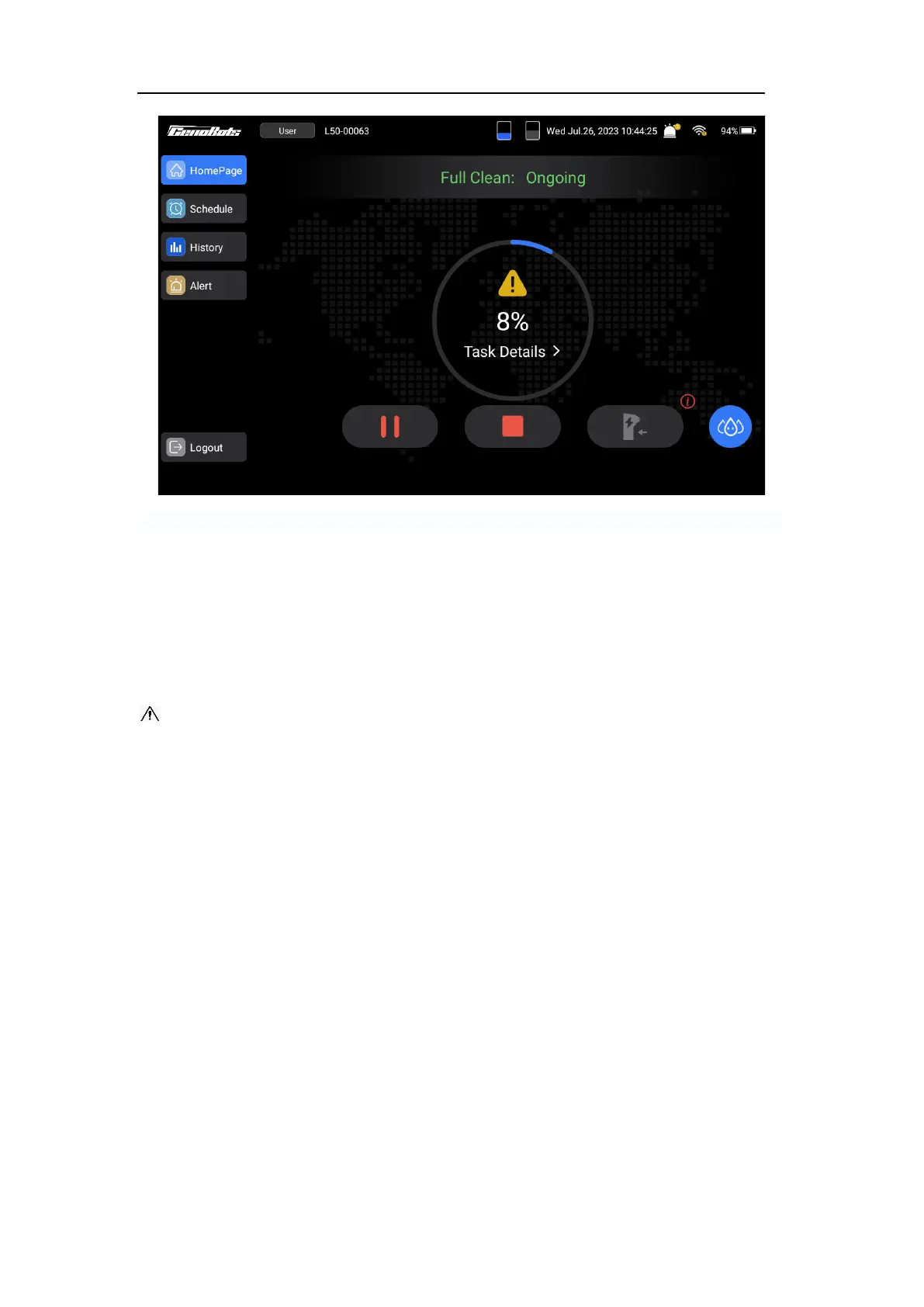
FIG.20
Turning off Machine
Turn off the machine using the key switch. After turning the key switch off, the brushes and
squeegee will lift to the raised position if they are in the low position. Then, the machine will
power off in a few seconds.
CAUTION: Do not turn off the machine by directly turning the load-break switch to “OFF”
position to avoid possibility of the data loss or damage to the machine.
For safety: Before turning off the machine, stop the machine on the level ground.
Operating the Machine Manually
For safety: Do not operate the machine on the slope that exceeds 10%.
When machine needs to be operated or moved manually, there are two ways it can be
operated.
1. Switch to the manual mode
To activate the manual mode of the machine, press the A/M button on the control panel
when machine is idle or when the emergency stop button has been pressed. If the A/M
button illuminates with a blue light, it indicates that the machine is now in manual mode
and can be operated.
Notice: If the emergency stop button is pressed, the machine can’t be operated, even in
manual mode.



 To Next Page