H.264 Network Digital Video Recorder User Manual
Page 15
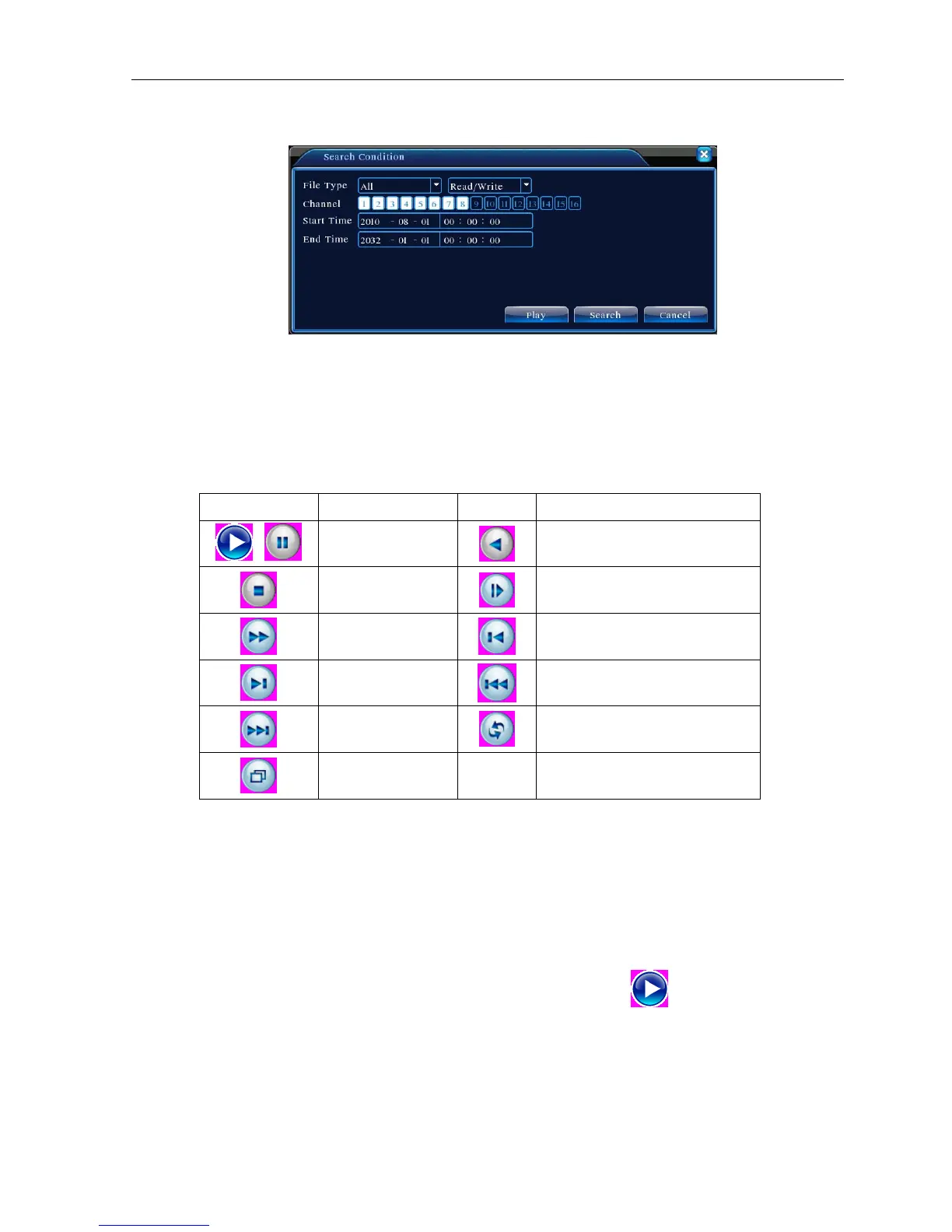
【File searching】Search the file according to the searching parameter.
Picture 3.7 file searching
File type: Set the searching file type.
Channel: Set the searching channel.
Start Time: Set the searching time scan.
【Playback control】Refer to the following sheet for more information.
Button Function Button Function
/
Play/pause
Backward
Stop
Slow play
Fast play
Previous frame
Next frame
Previous file
Next file
Circulation
Full screen
Table 3.2 Playback control key
Note: Frame by frame playback is only performed in the pause playback state.
【Operation hint】Display the function of the cursor place.
Special functions:
Accurate playback:Input time (h/m/s) in the time column and then click play
button. The system can
operate accurate playback according to the searching time.
Local zoom:When the system is in single-window full-screen playback mode, you can drag your mouse in the
screen to select a section and then left click mouse to realize local zoom. You can right click mouse to exit.



 To Next Page