H.264 Network Digital Video Recorder User Manual
Page 18
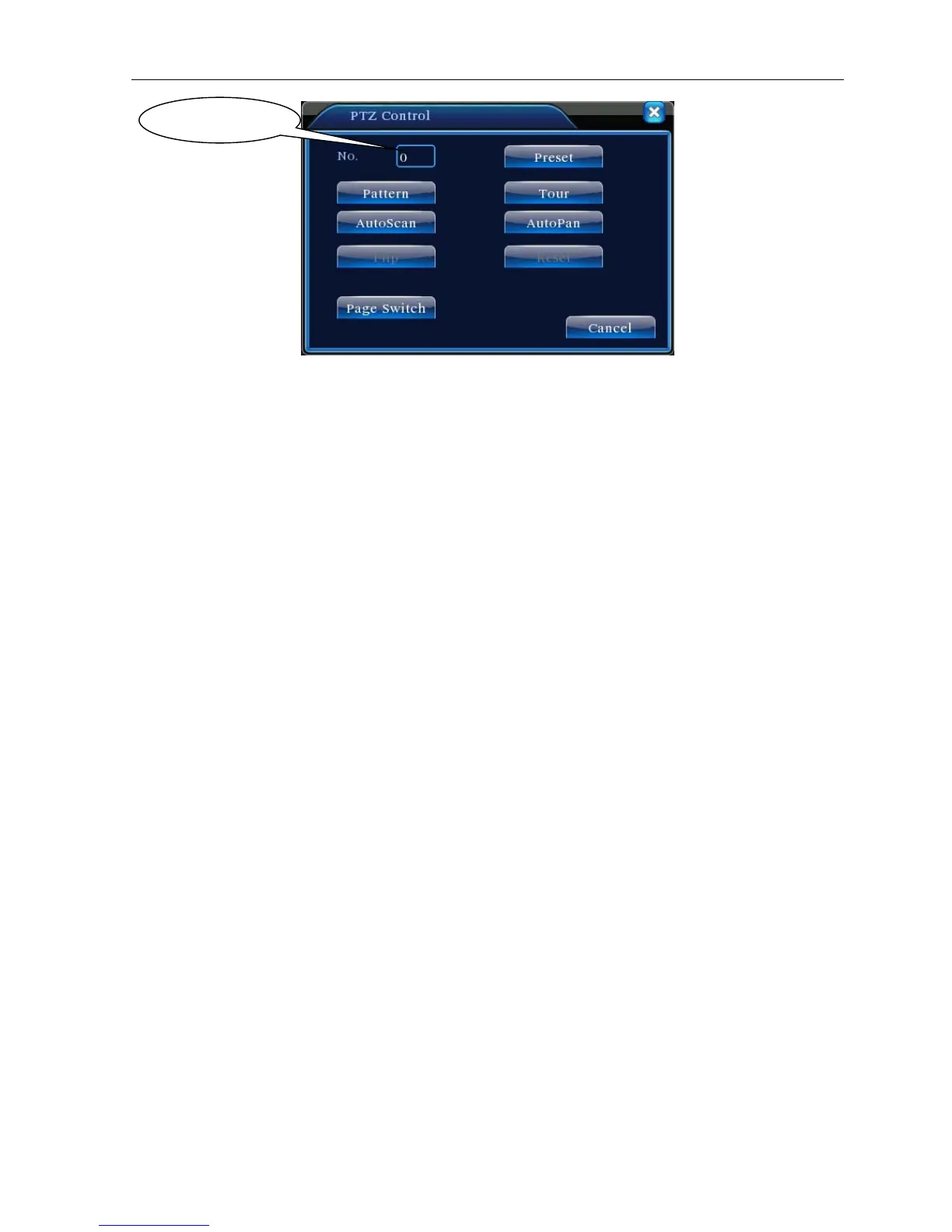
Picture 3.12 PTZ Control
2.Cruise between Points
Multiple preset points connected cruise lines, call cruise between points, the PTZ run around on the line
1)Cruise Between Points Settings
Cruise lines is connected by multiple preset points, setting procedure is as follows:
Step1: In Picture 3.10, the Direction key will turn PTZ to designated location , click Settings button to
enter Picture 3.13,
Step 2: click Cruise buttons, the write proper value into the Cruise Line and Preset Points blank,then
click Add Preset Points button, complete setting (also can add and delete cruise line which has been
set up)
Step 3: repeat step1 and step2, until set out all the preset designated cruise lines。
Remove Preset:Please input preset value in the blank, click Remove Preset button, then remove
the preset points.
Remove Cruise Line:Input the number of cruise line, click Remove Cruise Lines button, then
remove the cruise lines set。
Value input blank



 To Next Page