H.264 Network Digital Video Recorder User Manual
Page 44
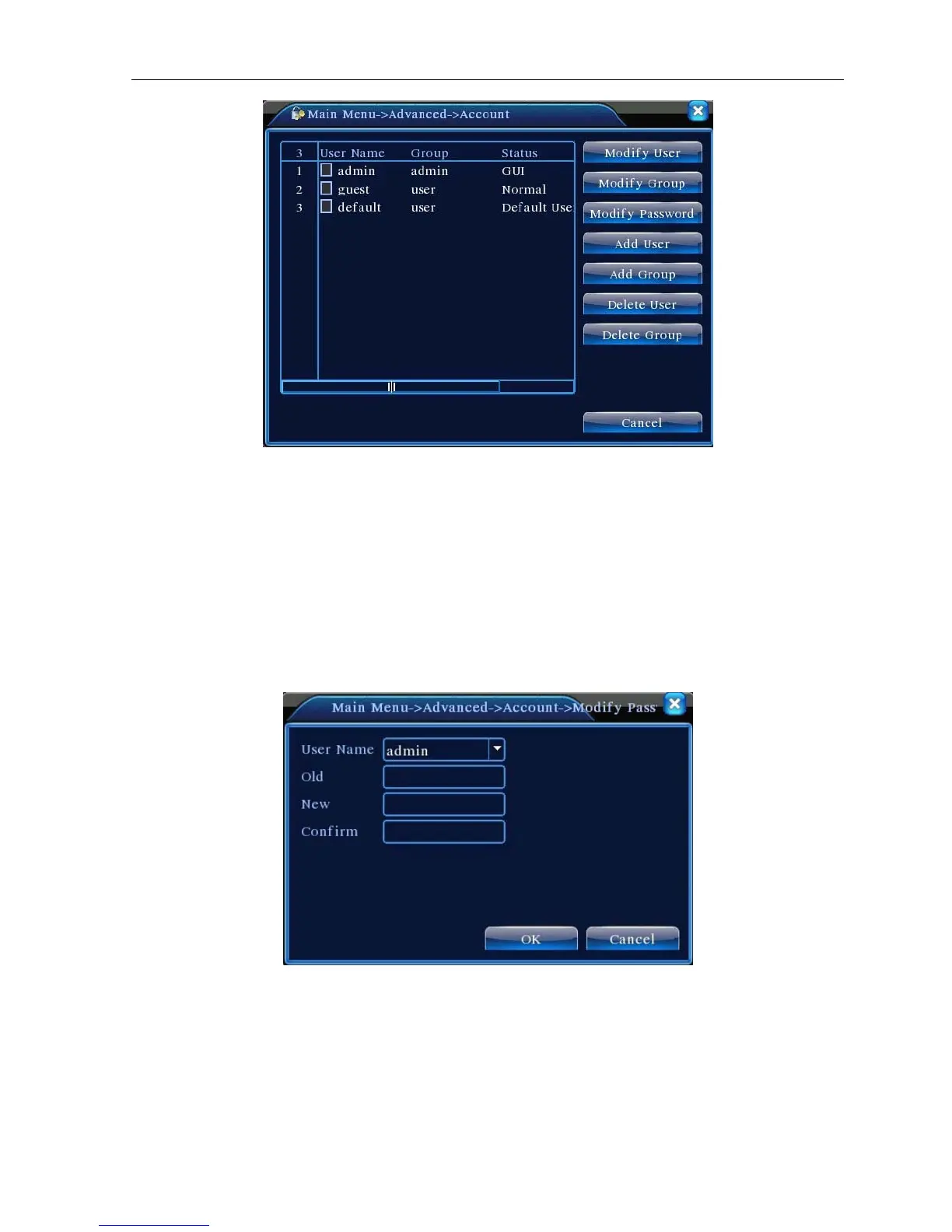
Picture 4.33 Account
【Modify User】Modify the existed user attribute.
【Modify Group】Modify the existed team attribute.
【Modify Password】Modify the user password. You can set 1-6 bit password. The blank ahead or behind the
char string is invalid. The middle blank in the char string is valid.
Note:The user who possess the user control purview can modify his/her own or other users password
Picture 4.34 Modify Password
【Add user】Add a user in the team and set the user purview. Enter the menu interface and input the user
name and password. Choose the team and choose whether cover using the user. Cover using means that the
Account can be used by multiple users at the same time.
Once choose the team the user purview is the subclass of the team.
We recommend that the common user’s purview is lower than the advanced user.



 To Next Page