H.264 Network Digital Video Recorder User Manual
Page 45
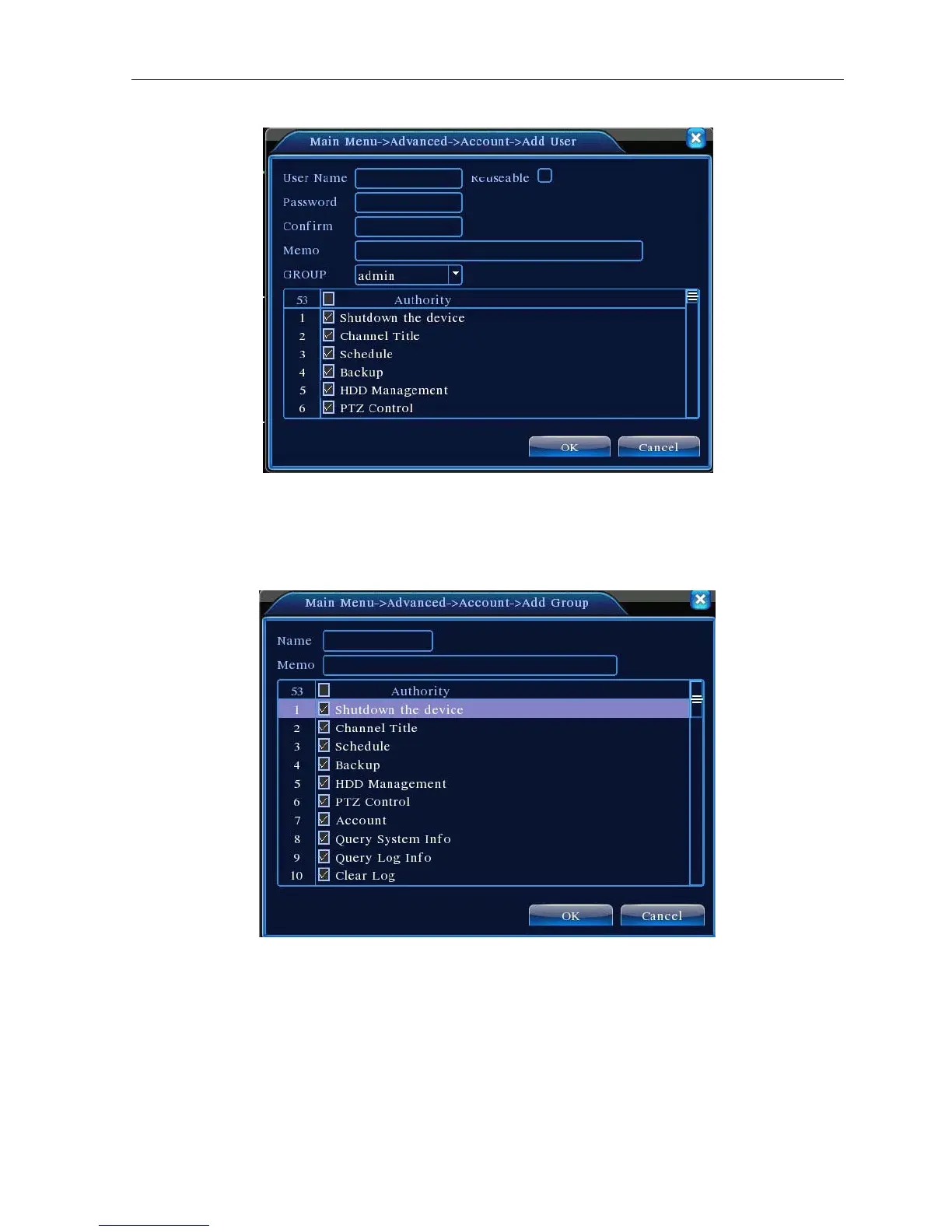
Picture 4.35 add user
【Add Group】Add a user team and set the purview. There are 36 different purviews: shut down the
equipment, real time surveillance, playback, recording setup, video file backup and so on.
Picture 4.36 Add Group
【Delete User】Delete the current user. Choose the user and click delete user button.
【Delete Group】Delete the current group. Choose the group and click delete group button.



 To Next Page