Page. 47 of 87
14. TRANSCEIVER CONTROLLED WITH A PC
If the transceiver is controlled with a PC using the CAT utility, the link with the amplifier
can be made as described in the following paragraphs.
Note: BEWARE, SPE assures only the direct connection between the Linear and the
transceiver.
The use of external control software could create malfunctions that must be
resolved by the provider of such software and is totally the responsibility of the
owner/operator.
14.1 Icom CI-V Interface
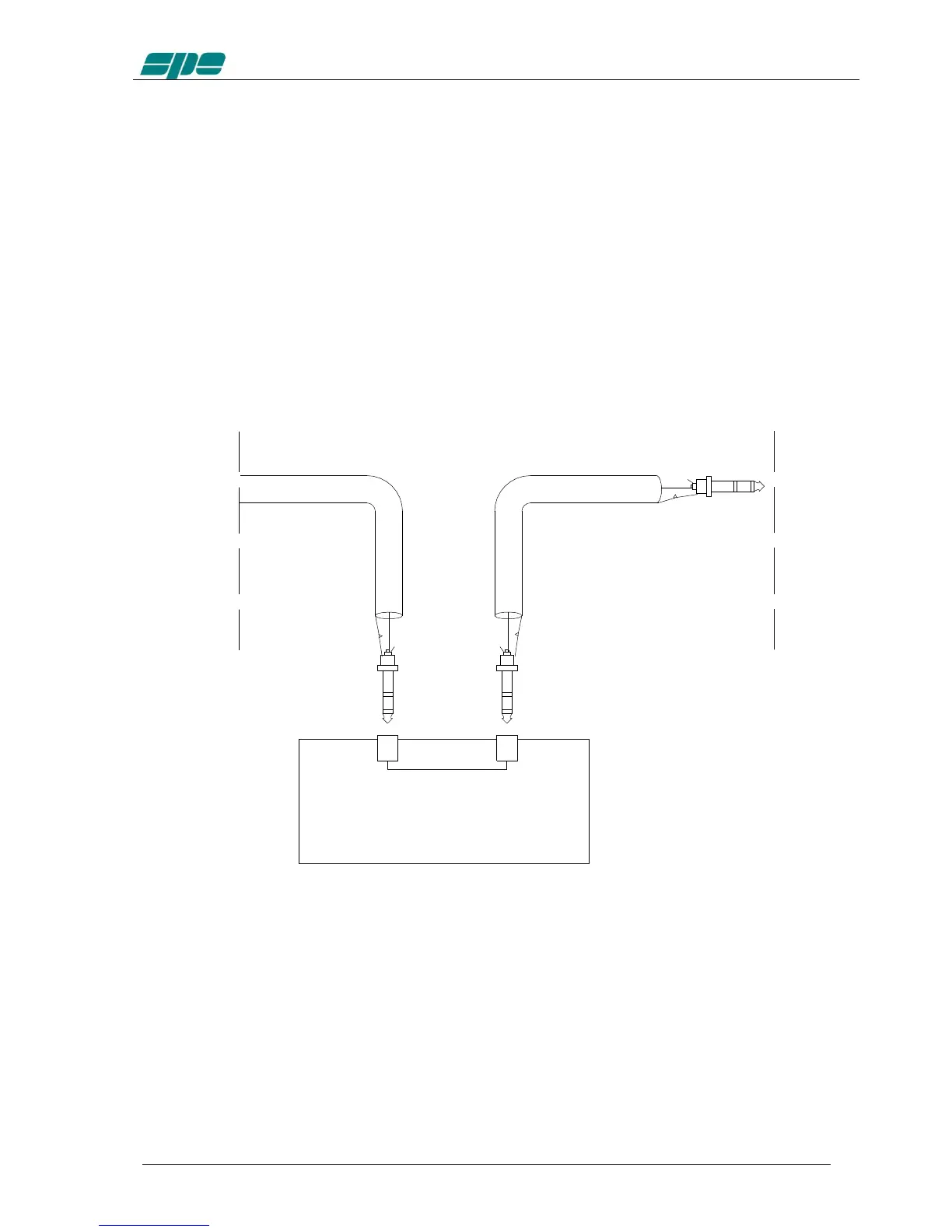
The plug from the amplifier should be connected to a CI–V port of the CT17 or similar
device. The transceiver should be connected to another CI–V port.
The following types of connections as described in sections 14.2, 14.3 and 14.4 are
common for Kenwood, Yaesu, TEN-TEC, Flex-Radio and ELECRAFT links. The DB-15
connector side of the amplifier remains the same. On the opposite side of the cable, it is
necessary to connect only the GND and RX 232 (RX TTL) to the cable PC / Radio.
In this way, the interrogation to the transceiver is no longer requested by the linear but
is requested by the PC. The linear analyzes only the data exchanged.
In this case, DO NOT CONNECT the TX 232 (TX TTL) of the linear because it would
create conflict in the software and could damage the hardware as well. (see
following figures)



 To Next Page