INDEX Page. 67 of 92
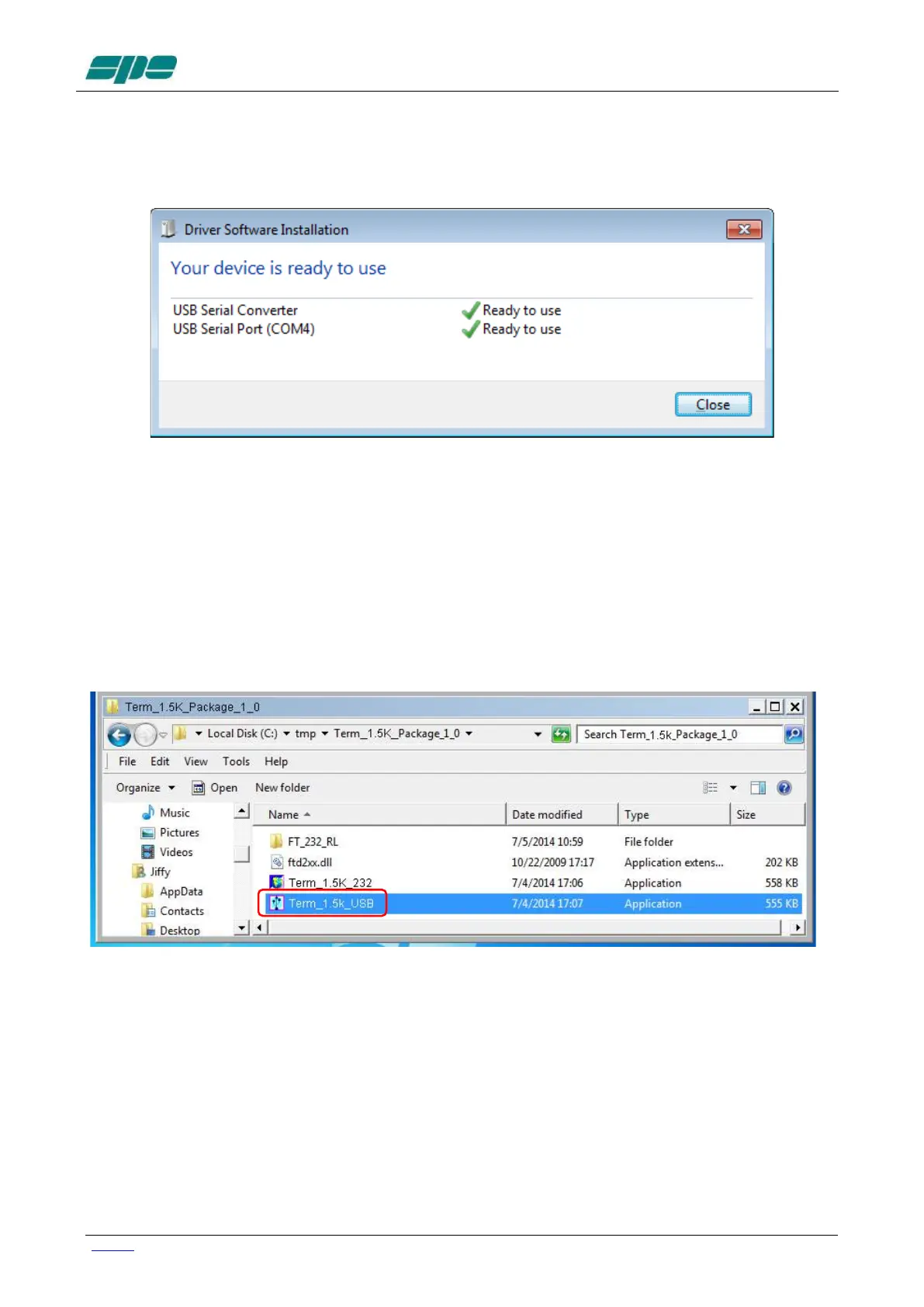
A notification window will pop-up as shown in the picture below
The USB port installation and its setting is now complete.
Now that this fundamental step has been successfully completed, the application
Term_1.5K_USB.exe remote control application can be launched.
For this purpose a back-step to the starting uncompressed folder
Term_1.5K_Package_1_0 must be performed and double-click on the application
filename, as indicated in the picture below
Note: Do not forget that Term_1.5K_USB.exe requires full accessibility to the ftd2xx.dll
application extension.
So, in case the application itself gets copied into another work folder, please correct
that action.
A good practice is to copy both Term_1.5K_USB.exe and ftd2xx.dll into the same
work folder.



 To Next Page