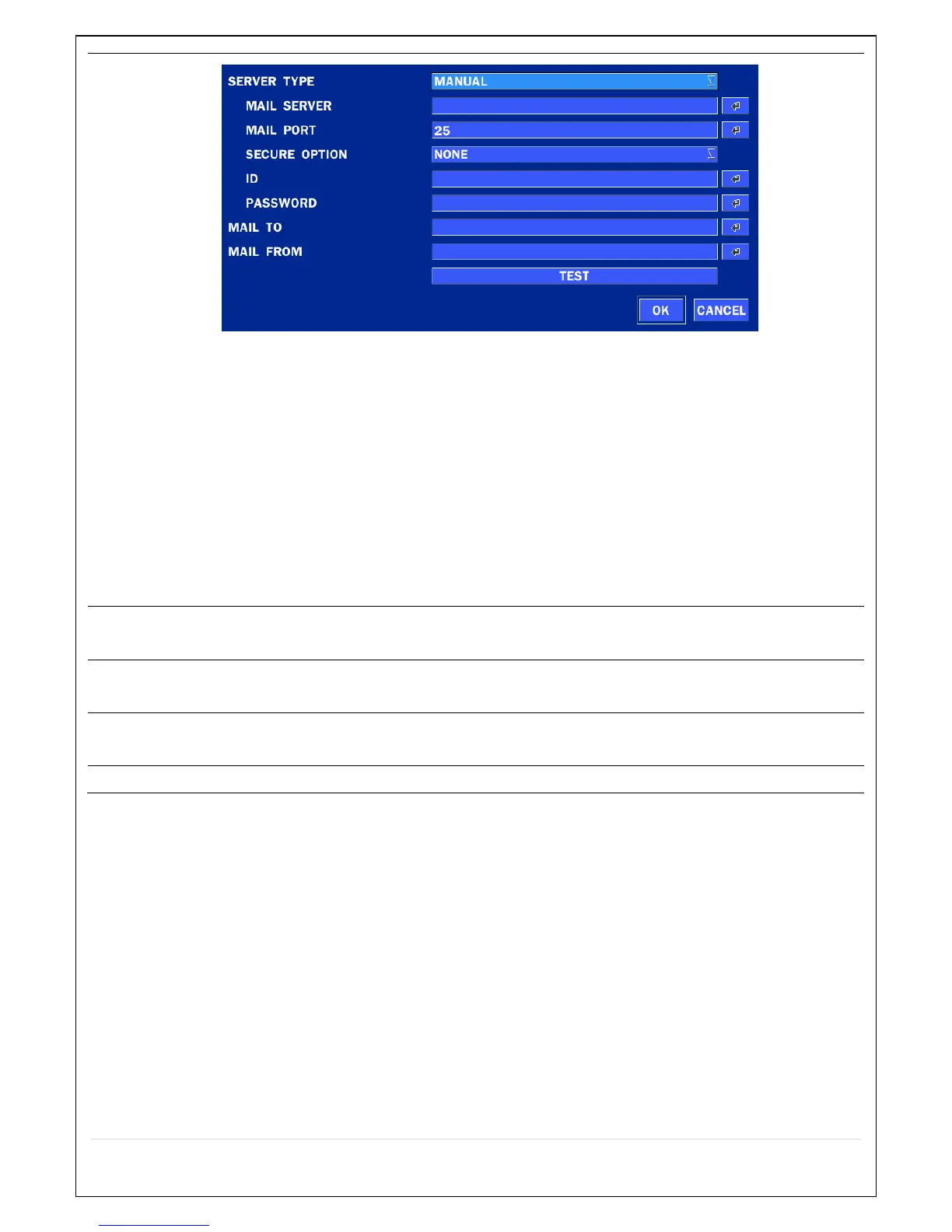
SERVER TYPE: Select GMAIL, HOTMAIL, AOL, YAHOO or MANUAL)
MAIL SERVER: Enter the appropriate mail server information.
MAIL PORT: Assign Mail Port number.
SECURE OPTION: Select the secure mail server connection method. (SSL or TLS)
ID: Enter the appropriate mail server ID.
PASSWORD: Enter the appropriate mail server PASSWORD
MAIL TO: Enter the appropriate email address to enable sending e-mail reports using a
virtual keyboard.
MAIL FROM: To set the email address sent to the destination host.
TEST : E-mail settings sent a test mail to the registered account



 To Next Page