Select either Full Zone or Partial Zone for motion detection.
Set the motion sensitivity for the selected channel.
Control the motion sensitivity from 1 to 9.
(9 – Highest sensitivity, 1 – Lowest sensitivity)
Enable/disable key tone from front panel usage.
Set the remote control ID.
1. Select ID.
2. Input the remote control ID number.
3. An icon will indicate on the Live Screen if the remote control ID is
synchronized.
The options are from 0 to 99
Select the type of each sensor.
Option is Off, Normal Open or Normal Close.
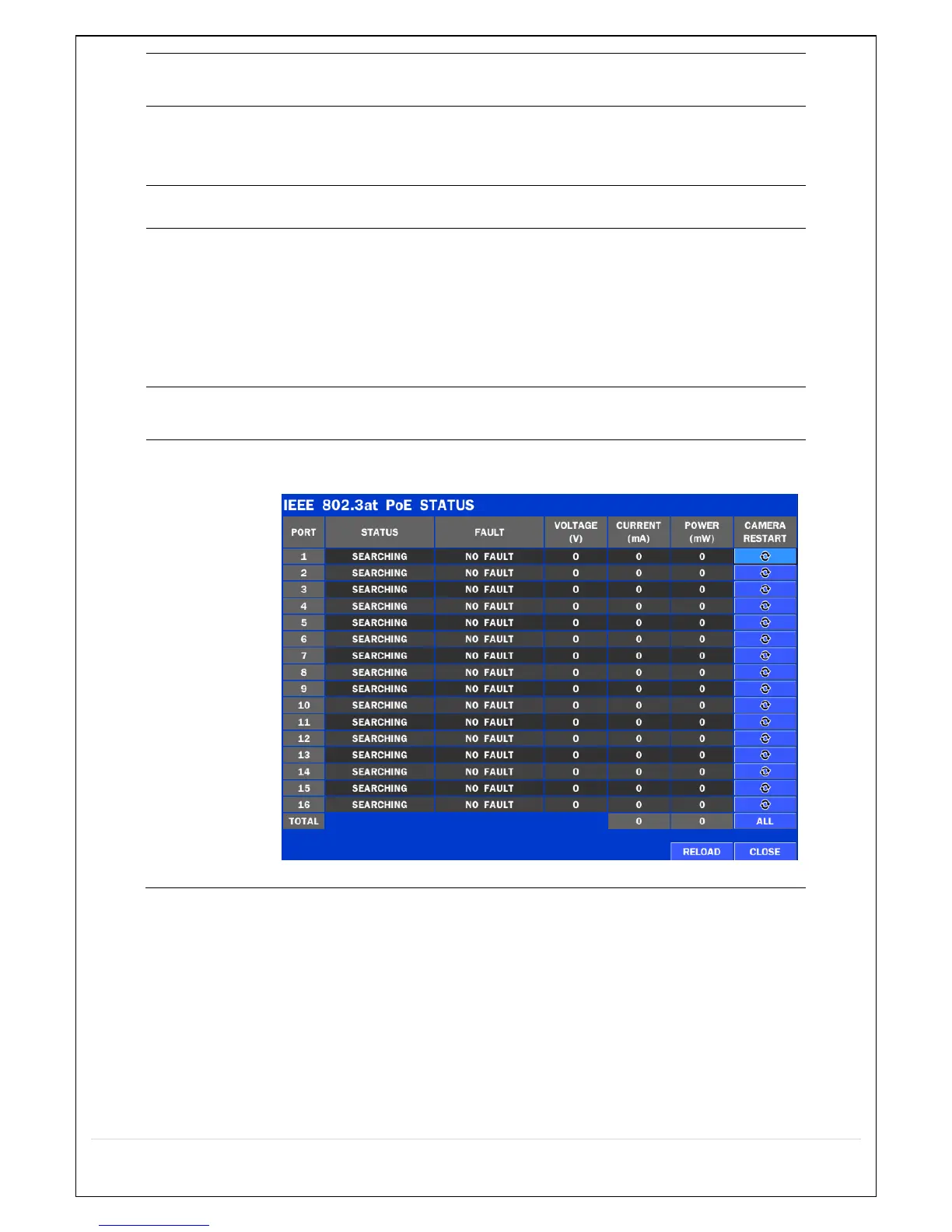
PoE (Power Over Ethernet) Status Monitoring Menu
(N4/8/16NSP, N16NSF Models)



 To Next Page