SUB TRIM
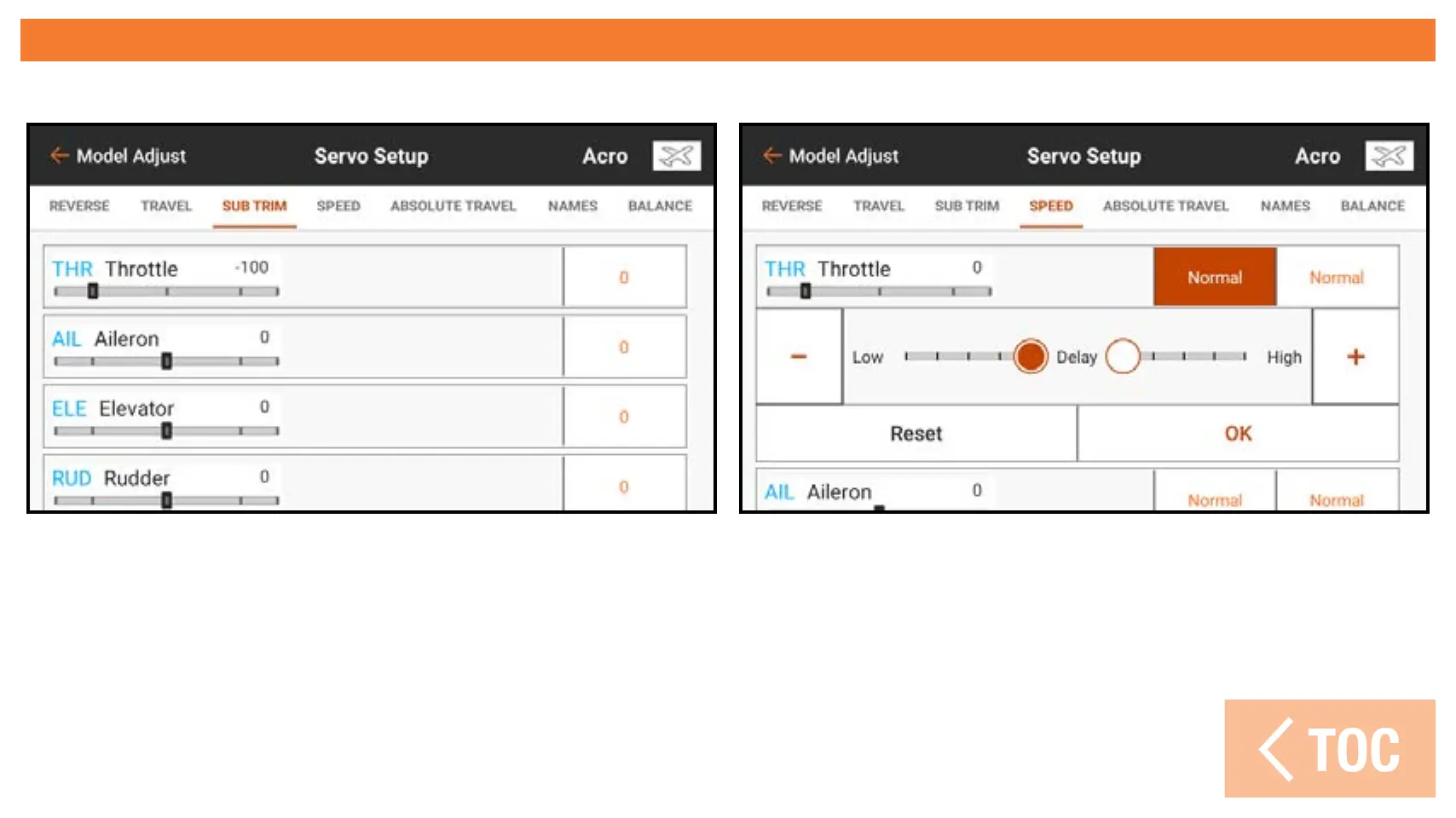
The Sub Trim menu adjusts the servo travel center point.
To adjust sub trim values:
1. Touch SUB TRIM in the ribbon at the top of the Servo Setup menu.
2. Touch the number to the right of the desired channel to open the channel sub
trim menu. Changes can be made by sliding the highlighted circle
or touching the + or – buttons.



 To Next Page