CAMBER SYSTEM PROGRAMMING
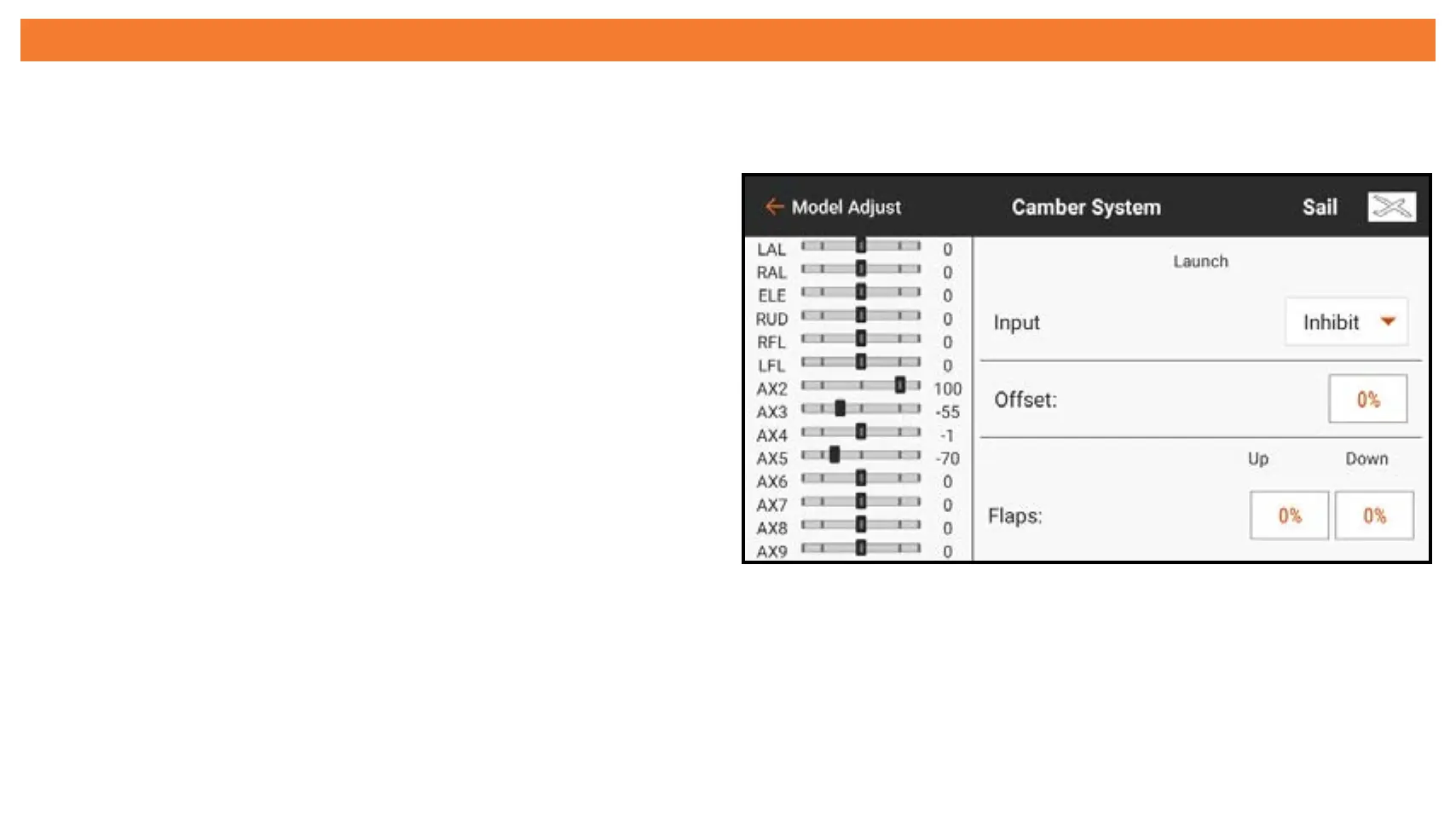
To program the Camber System:
1. Configure all of the flight modes before beginning the camber system
programming.
2. Touch Camber System from the
Model Adjust menu.
3. Select the flight mode to program.
Moving the flight mode switch
changes the flight mode indicated at
the top of the menu.
4. Select an Input for the selected flight mode.
5. Set an Offset value if desired. Offset may be required to compensate for the
geometry of sailplane flap servos.



 To Next Page