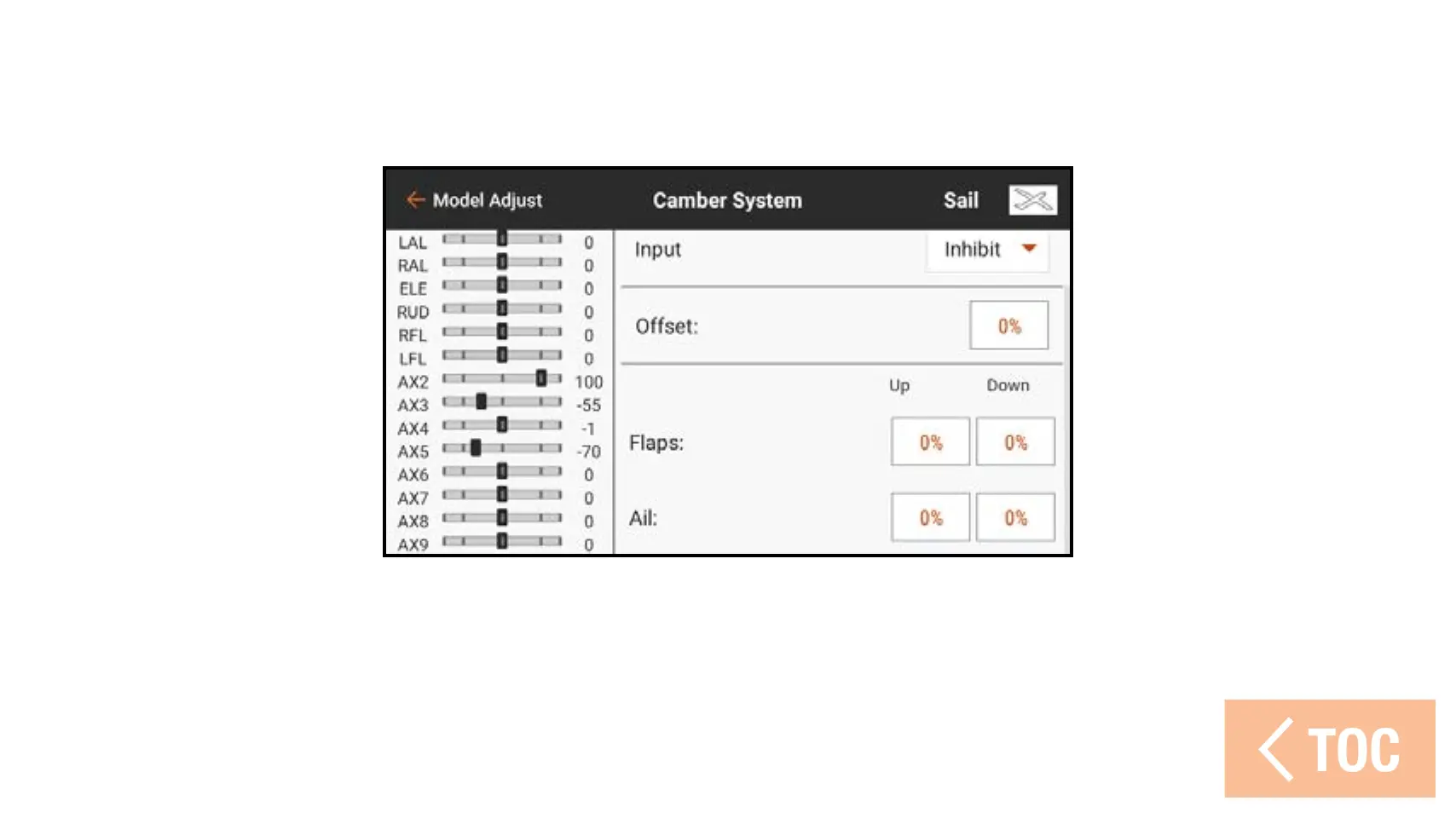
6. Set the Up and Down values for the control surfaces.
The up value defines the upper side of the surface travel.
The down value defines the lower end of the surface travel.
7. Select the next flight mode and program it according to Steps 4–6 until all flight
modes are programmed.
8. Add a trim switch to the Flap and/or Aileron OTF options to allow for in-flight
adjustment of the system percentage values.



 To Next Page