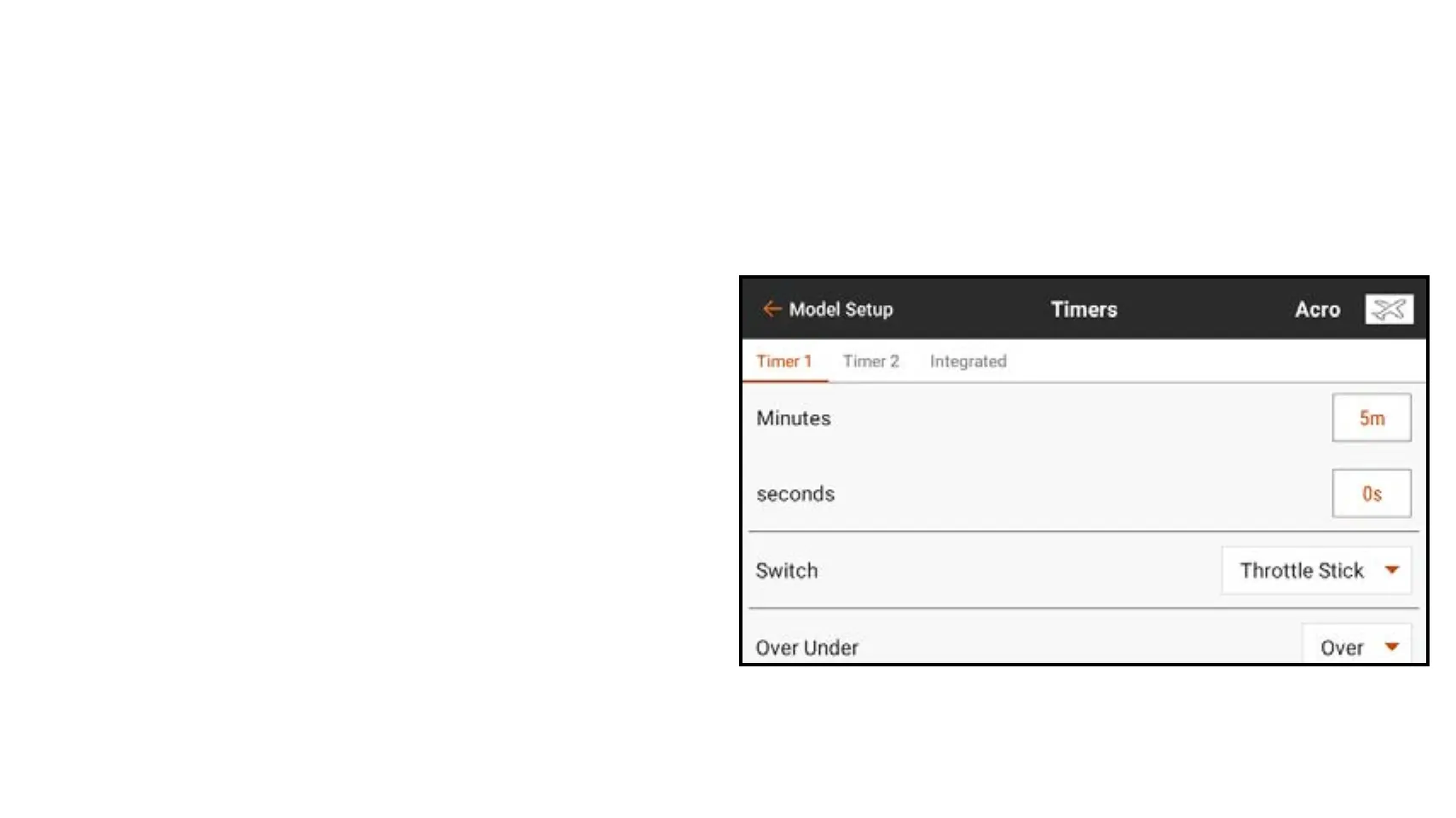
6. If you selected Timer in the previous step, select Stopwatch or Countdown.
Stopwatch: counts up from zero at start.
Countdown: counts down from a user defined time at start.
7. If Countdown is selected, the start time (Minutes and Seconds) can be changed.
The default setting is 5 minutes.
8. Touch the Switch selection button.
If an analog input device is selected,
touch the Over Under selection button.
Over Under defines if the timer is
running when the input device is over
or under the Trigger value. Touch
the Trigger selection button to set the
trigger value. For example, Throttle
Stick is the default switch for Acro and is set to trigger when the throttle is over
25%. Moving throttle below 25% will stop the timer.



 To Next Page