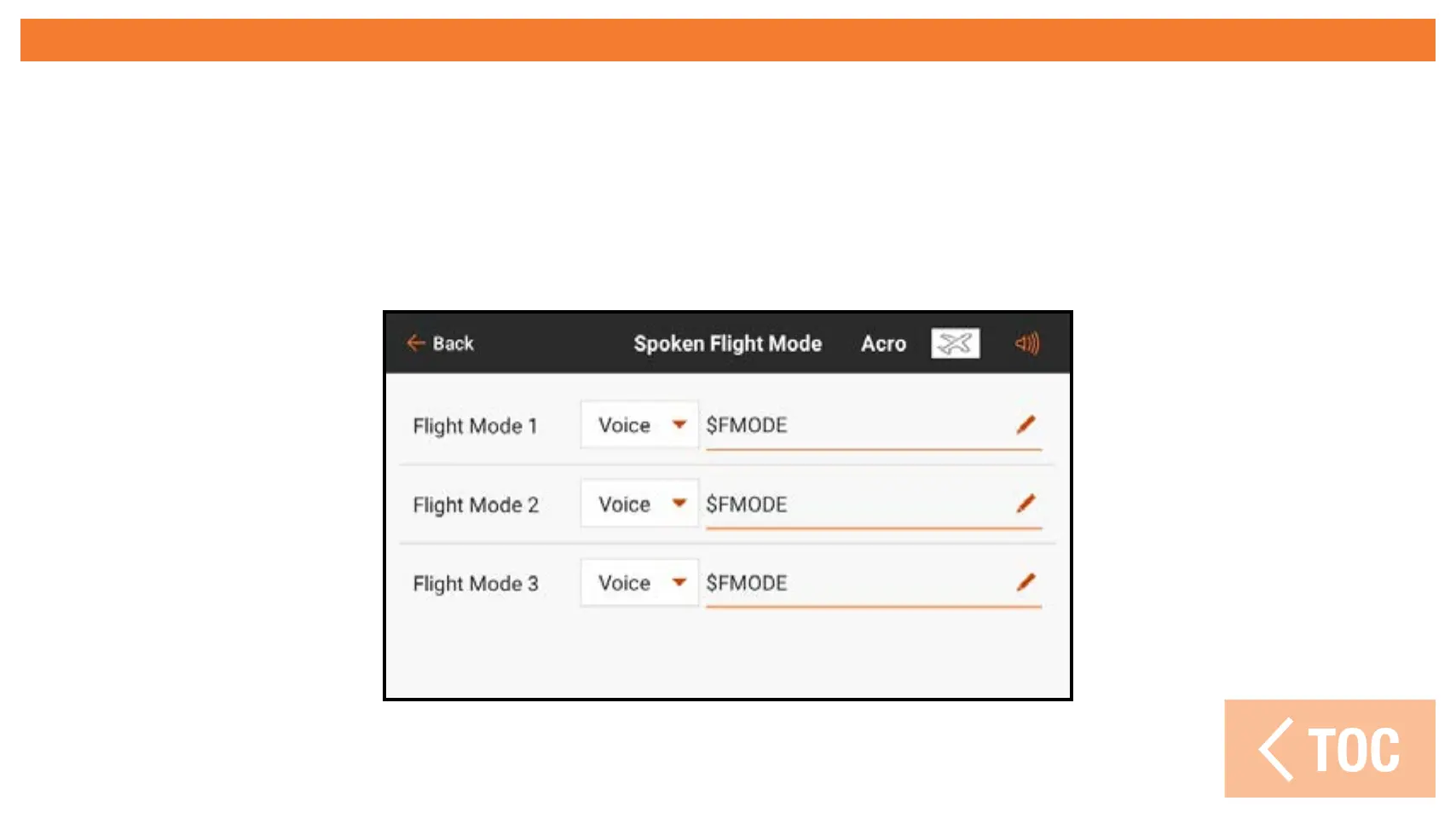
SPOKEN FLIGHT MODE
All desired flight modes should be set up, using the Model Setup, Flight Mode Setup
menu, prior to making changes in the Spoken Flight Menu. The number of available
flight modes shown will match the modes created in the Flight Mode Setup menu.
Defaults report the selected flight mode with a macro. The text is freely editable as well.



 To Next Page